Configure Inbound / Outbound Route
13
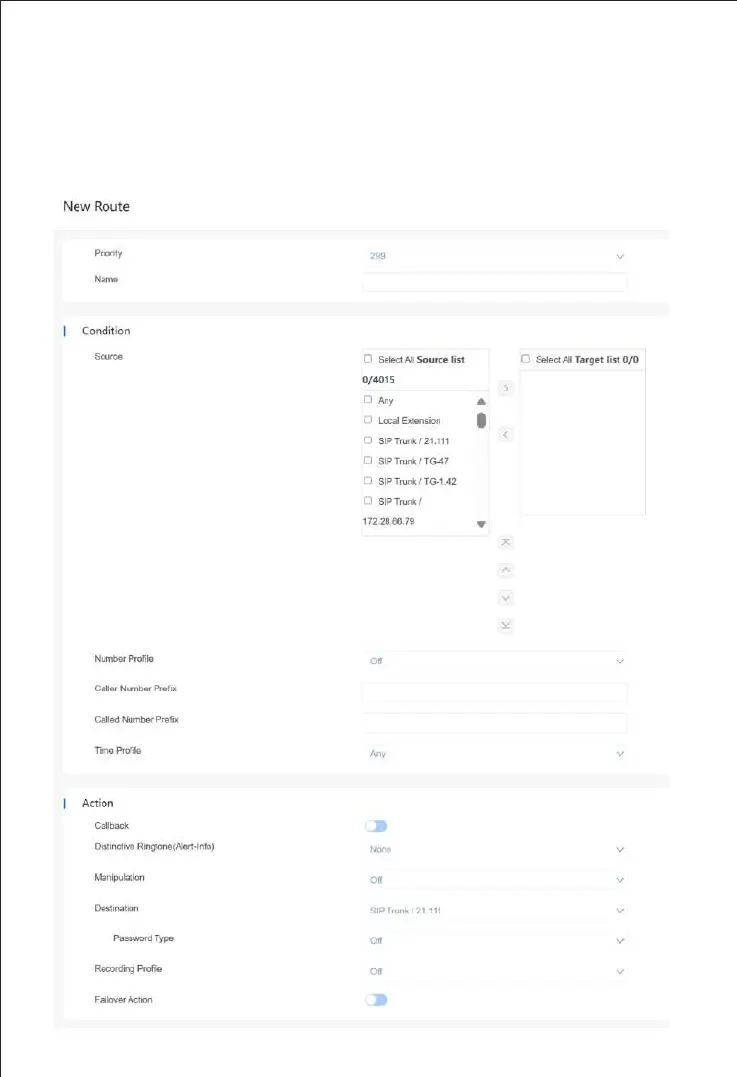
On the "Trunk & Route->Route" interface, you can configure routes for incoming calls and
outgoing calls, and select the call Source and Destination addresses for the route. When the
configured route is activated, the system will match the route based on the priority index.
The key configuration of route is at "condition" part. Here, you can configure the route based
on the Caller/Called Number prefix and time.



 To Next Page