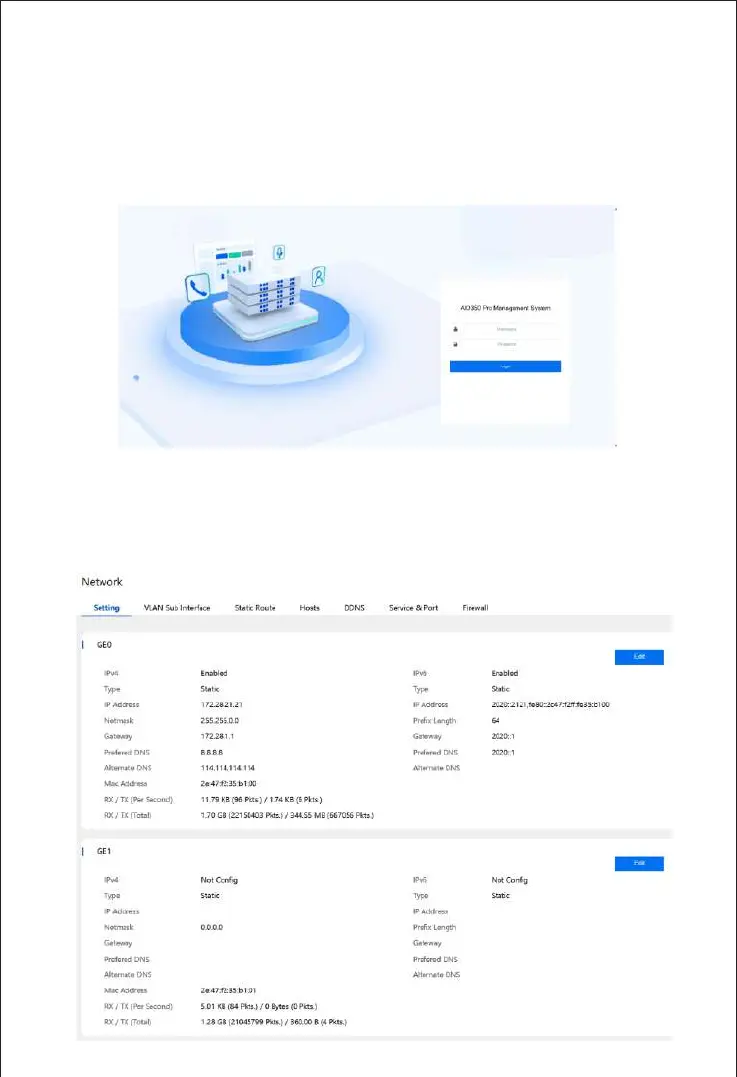
Open a browser and enter the default IP address of the network port for management:
https://192.168.11.1. Then enter username and password in the displayed login GUI. The default
username and password are admin/admin@123#.
Note: The UC200 Pro and UC350 default network port for management is the GE1 port, and the
UC350 Pro’s default network port for management is the GE3 port. New devices can only modify
the IP address through the management port. The UC350 Pro login interface is shown below:
Login Web GUI
8
Check Network Status
9
Check the network status on the "System->Network" page.



 To Next Page