UC350 Pro
UC350
2*Network Ports
1*USB 2.0 Port
1*Console Port
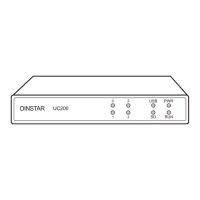
PWR
RUN
FXS/FXO
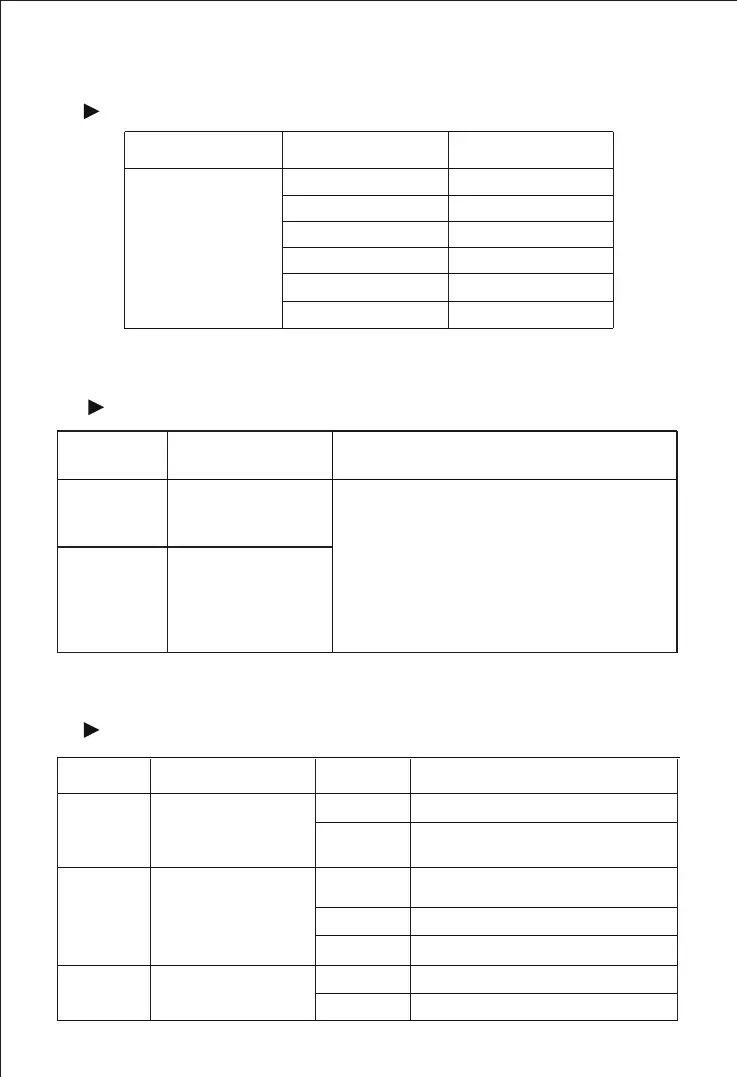
Models and Interfaces
1
Model Interface Number
Ethernet port
Console Port
USB Interface
TF Card Slot
FXS Port
FXO Port
2
1
1
1
2
2
Note: Basically, UC200 Pro is equipped with 2 FXS voice interfaces and 2 FXO voice
interfaces. It can be expanded with 2S/2O/1S1O modules, up to support 3 modules.
UC350 & UC350 Pro
Model MC U Board User Board(FXO, FXS, FXU, DTU)
4*Network Ports
2*USB 2.0 Ports
1*USB 3.0 Port
1*Console Port
1*HDMI Port
FXS Board: 2*RJ45 with 8 FXS
FXO Board: 2*RJ45 with 8 FXO
FXU Board: 2*RJ45 with 4 FXS and 4 FXO
DTU Board: 4*RJ45 with 4 E1/T1 Ports
Description of Indicators
2
Indicators
Definition Status
Description
Power Indicator
Running Indicator
FXS/FXO Indicator
ON
OFF
Flashing
ON
OFF
ON
OFF
The device is powered on
There is no power supply or the
power supply is abnormal
The system is initializing
The device is not running normally
The FXS port is in off-hook (in-use) status
The FXS port is in on-hook status
The device is initialized
successfully and running normally
UC200 Pro
UC200 Pro
UC200 Pro



 To Next Page