18
DS-68 - Operating manual
www.dipgrinders.ro • office@dipgrinders.ro
9
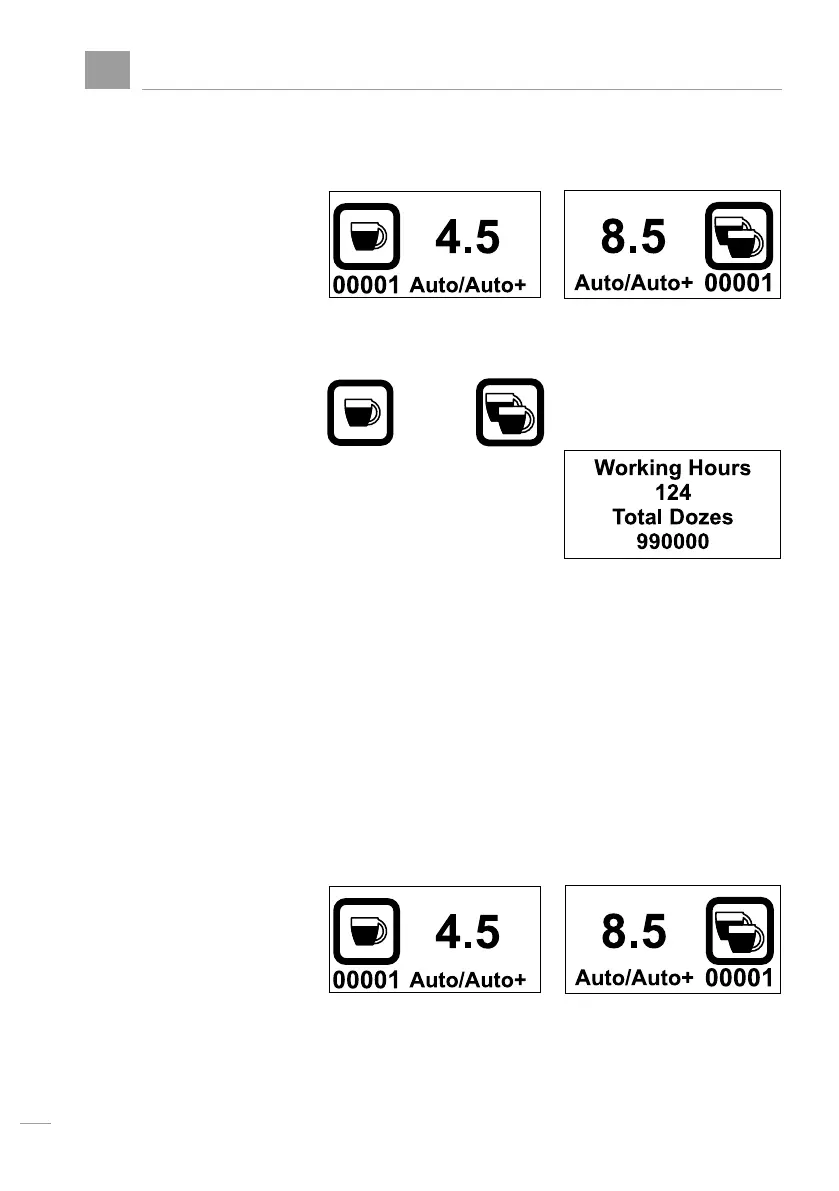
Viewing the total doses
When machine is in
normal operation
single
Press the single or double
The following pictogram
appears
for 5 seconds
Working Hours represent, the total Nr. of hours
that motor run since fabrication
Total doses represent, the total number of shots
grinded since fabrication.
Att: The number of sigle doses is multiplied with 1
The number of double doses is multiplied by 2
Then, they are added together
3 secs after releasing, the machine turns to prior
working mode:
or double
or


 To Next Page