Getting Started
1--6
Getting Started
DL105 PLC User Manual, 3rd Edition
Quick Start for PLC Checkout and Programming
If you have experience with PLCs, or if you just want to setup a quick example, this
example is for you! This example is not intended to tell you everything you need to
start-up your system, warnings and helpful tips are in the rest of the manual. It is only
intended to give you a general picture of what you will need to do to get your system
powered-up.
Step 1: Unpack the Recommended DL105
Equipment
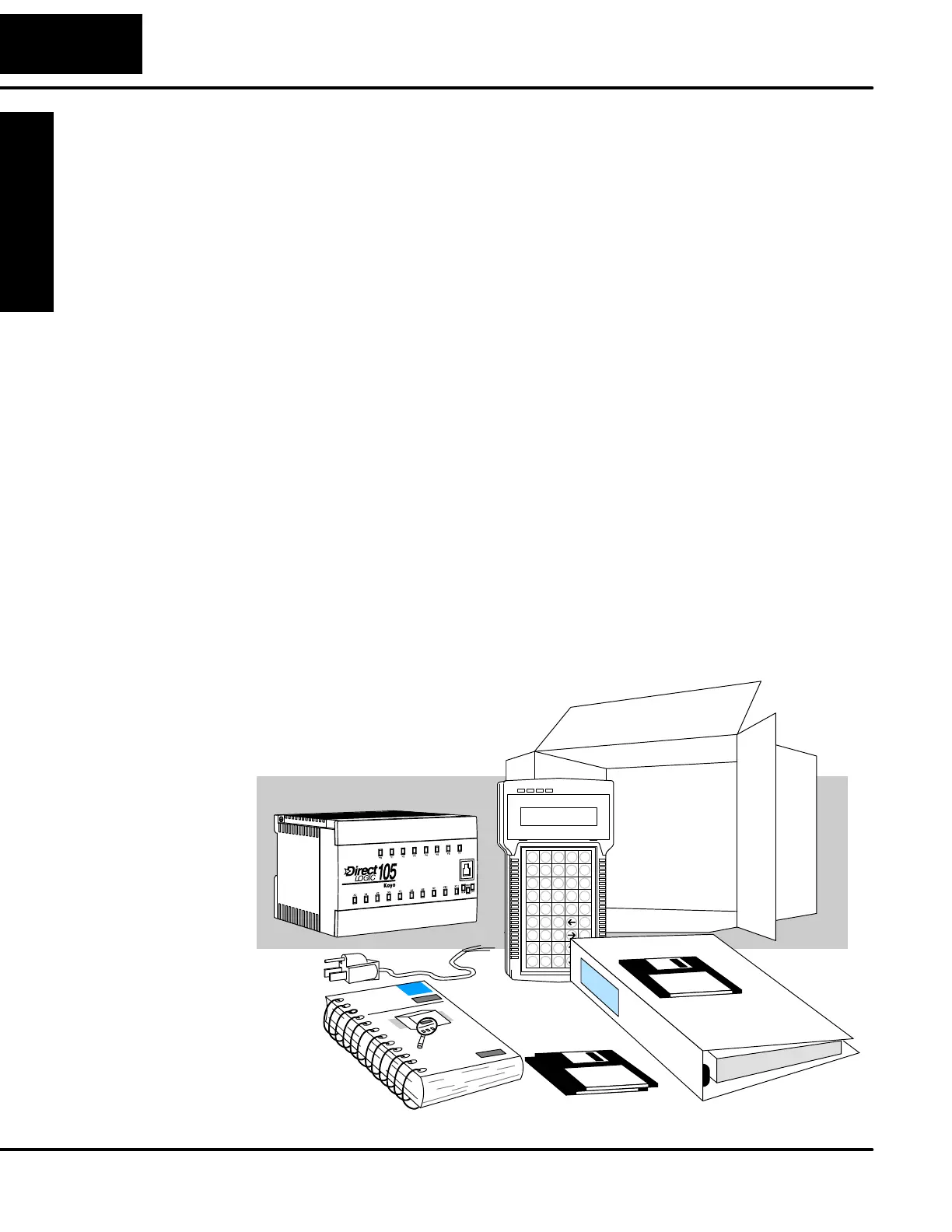
Unpack the DL105 equipment and verify you have the recommended parts
necessary to build this demonstration system. The components are:
S DL105 Micro PLC
S AC power cord for AC-powered units
S F1--04SIM input simulator, or toggle switches (see Step 2 on next page).
S Hook-up wire, 16-20 AWG
S DL105 User Manual (this manual)
S A small screwdriver, regular or #2 Philips type
You will need at least one of the following programming options:
S DirectSOFT Programming Software, DirectSOFT Manual, and a
programming cable (connects the DL105 to a personal computer),or
S D2--HPP Handheld Programmer (comes with programming cable), and
the Handheld Programmer Manual



 To Next Page