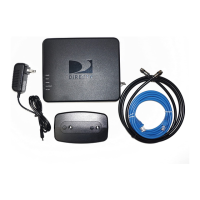
27
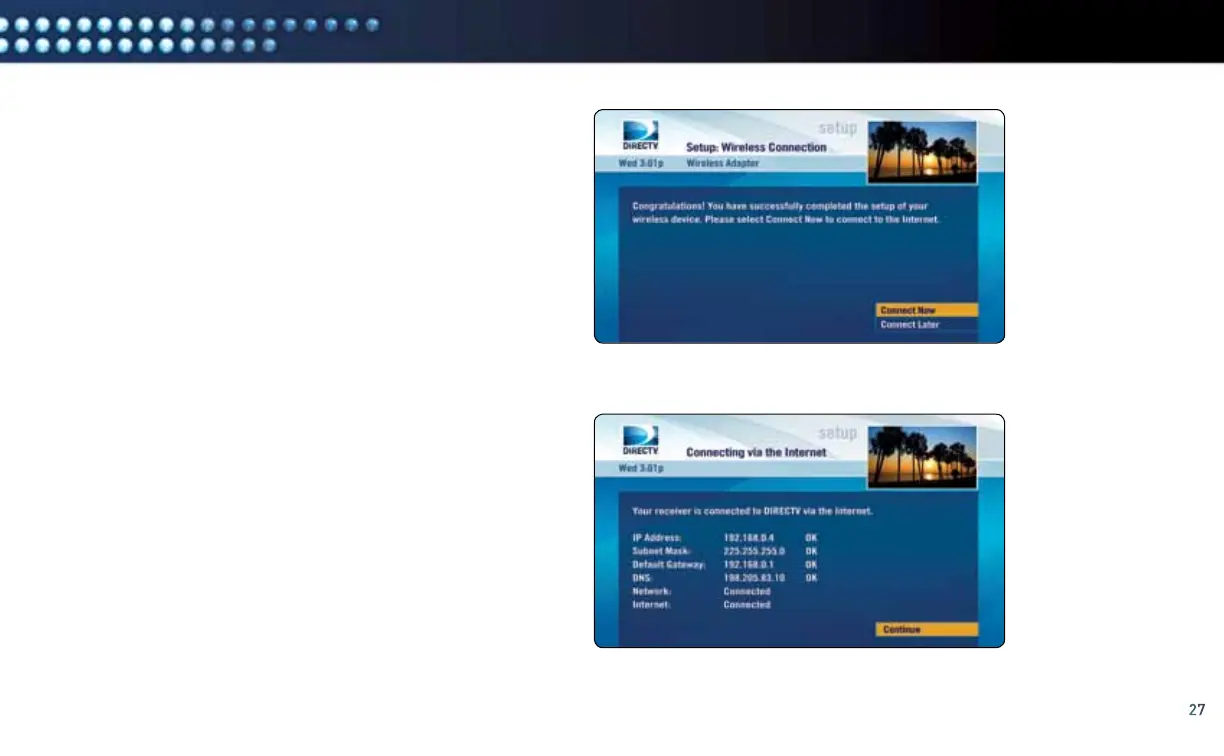
E. To connect the DIRECTV
®
Receiver to the Internet,
select “Connect Now”.
F. The DIRECTV Receiver is now connected to the Internet.
To proceed, select “Continue”.
If you receive an error on this screen, press the LEFT
ARROW key on the DIRECTV
®
Remote Control then select
“Connect Now” (as done previously in Step E). If an error
is shown again, wait a few minutes and then press the
LEFT ARROW key again on the DIRECTV Remote Control
and select “Connect Now”. If the error persists, please visit
directv.com/getconnected for troubleshooting support.
Select “Connect Now”
Select “Continue”
manual wireless setuP



 To Next Page