28
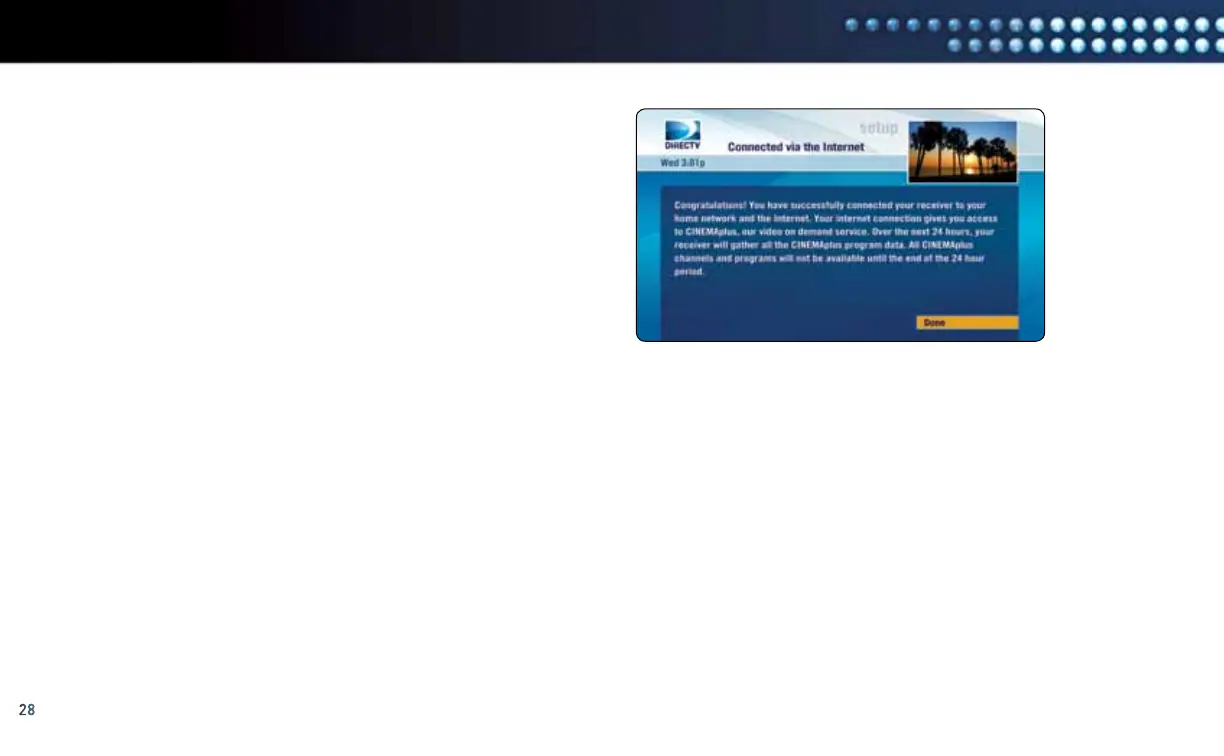
G. Please read the information on this screen. Then select “Done”.
If you do not see the Congratulations screen (see the image
to the right), please visit directv.com/getconnected for
troubleshooting support.
Select “Done”
manual wireless setuP
CONGRATULATIONS!
Setup is complete and you now have access to DIRECTV CINEMAplus
™
content.
Please allow up to 48 hours for all of the DIRECTV CINEMAplus content to be downloaded onto your DIRECTV Receiver. You now have access
to thousands of additional titles that you can watch on your schedule. To begin your DIRECTV CINEMAplus experience, go to Channel 1000.



 To Next Page