30
troubleshooting
LED Definitions
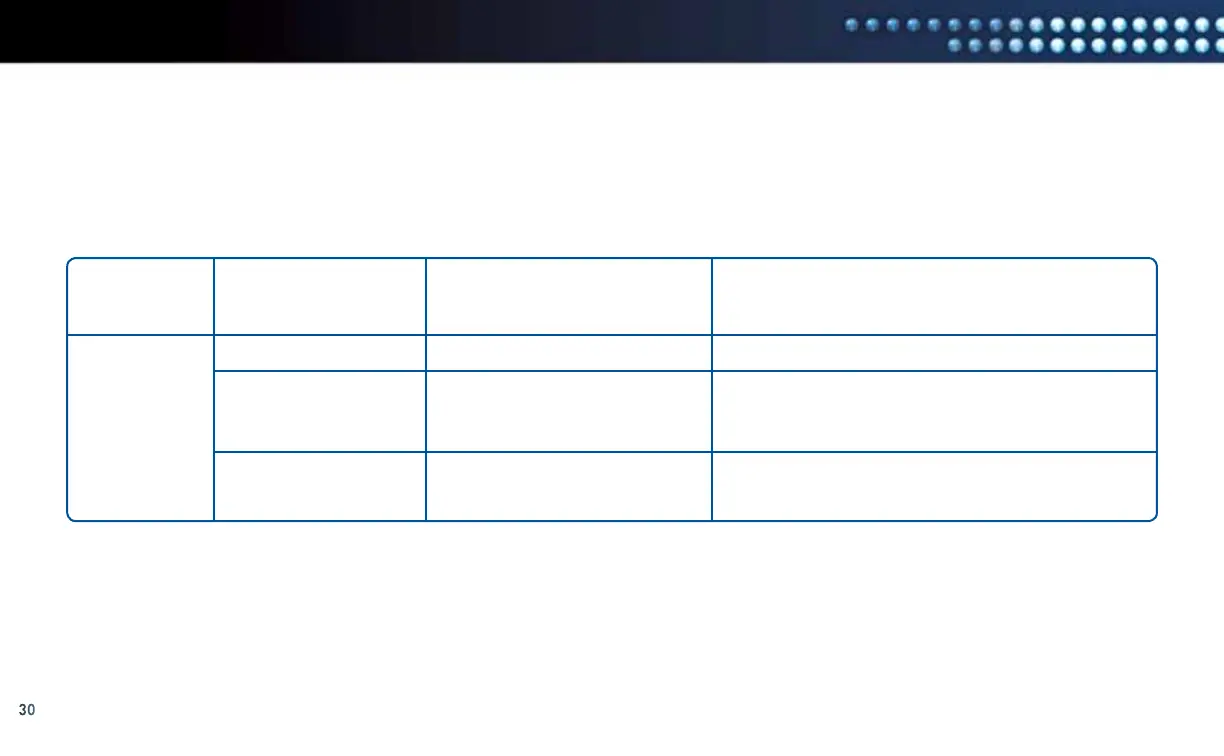
The LED Status Definitions table below provides detailed information about the possible status or meaning of each LED.
LED Status Definitions
LED LABEL POSSIBLE STATUS DEFINITION TROUBLESHOOTING HINTS
POWER Solid Green
Flashing Green
Off
Power is on, device is booted
Device is booting up
Device is not powered
Solid green is normal.
Wait for 30 seconds. If LED is not solid, unplug
the power from the DCCK device, wait 10 seconds,
then plug in the power to the DCCK device.
Check to ensure the power adapter is plugged into
the DCCK device and into an electrical outlet.



 To Next Page