31
troubleshooting
LED Status Definitions (Continued)
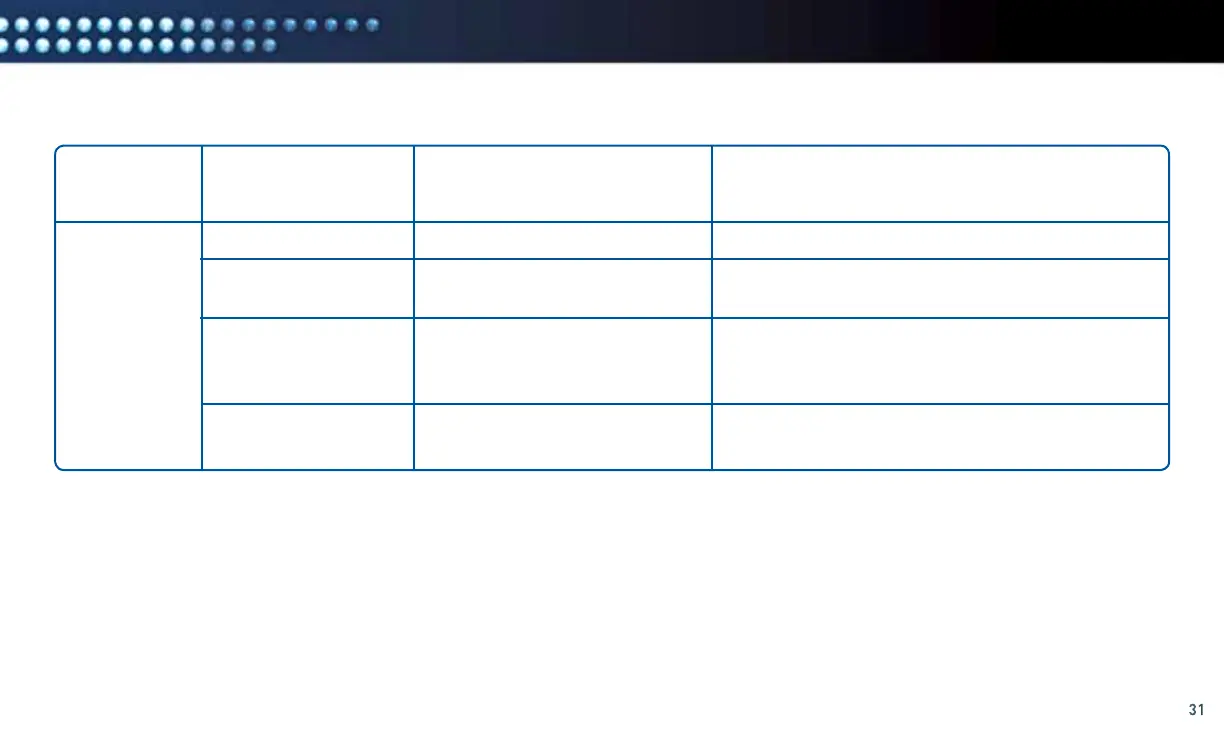
LED LABEL POSSIBLE STATUS DEFINITION TROUBLESHOOTING HINTS
WLAN Solid Green
Flashing Yellow
Flashing Green
Off
Wireless link is good
Wireless link is poor
WPS is connecting to your router
No wireless link
Solid green is normal.
Move the DCCK device closer to your router and/or
remove obstructions.
Wait for two minutes. If the LED is not solid green,
repeat the installation procedure beginning with
the “Connection” section on page 7.
Repeat the installation procedure beginning
with the “Connection” section on page 7.



 To Next Page