33
troubleshooting
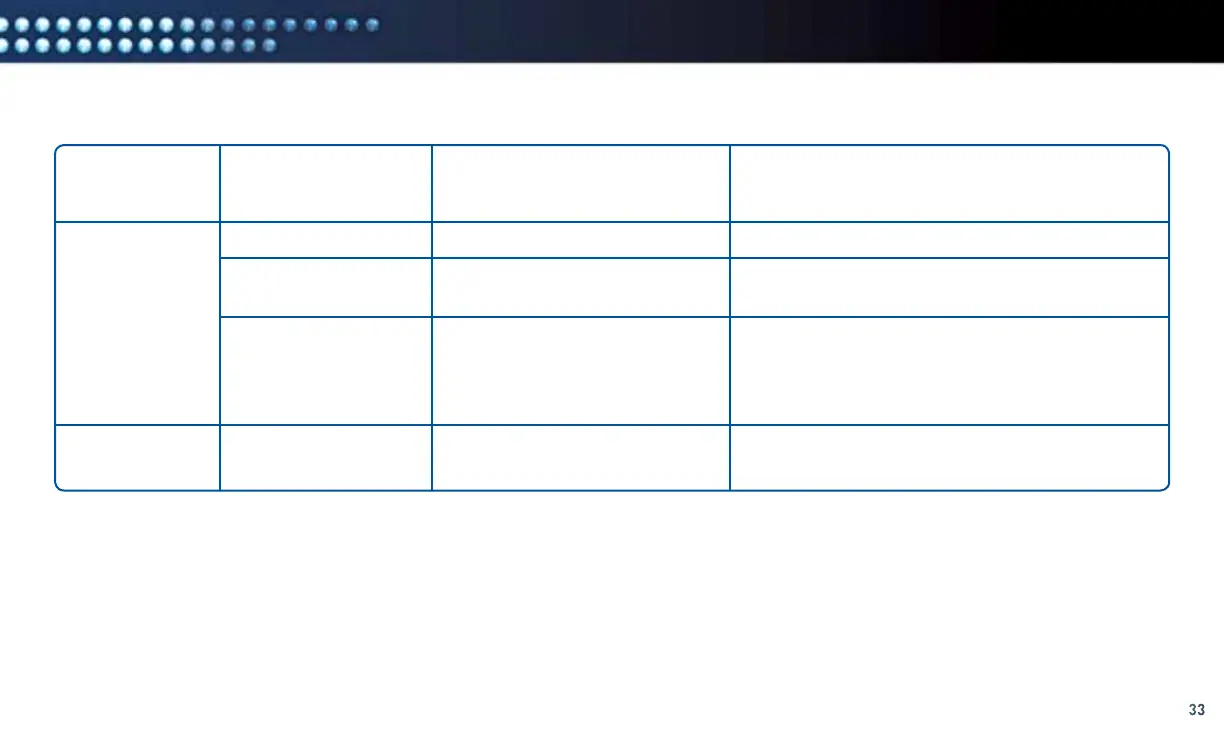
LED Status Definitions (Continued)
LED LABEL POSSIBLE STATUS DEFINITION TROUBLESHOOTING HINTS
Coax Network
AP/STA
Coaxial networking is good
Coaxial networking is marginal
No coaxial network
In station mode (this is
the default preferred mode)
Solid green is normal.
Check the coaxial cable connections at the DCCK
and Receiver and tighten cables if necessary.
Off is normal if you set up your DCCK device using
the Direct Ethernet Connection method. Otherwise,
check the coaxial cable connections at the DCCK
and Receiver and tighten cables if necessary.
LED is always Off (reserved for future functionality).
The Common Configuration Issues table on the next page provides common symptoms for installations that are not set up properly. If you
have chosen your connection type (Ethernet or coaxial cable) improperly and experience the issues in the “Symptom” column, repeat your
installation using a different connection type. Return to the “Determine Your Connection Type” section on page 10 and ensure you follow
the proper installation procedures. Note: This section also contains instructions for identifying your Receiver model number.
Solid Green
Solid Yellow
Off
Off



 To Next Page