Remote Keys
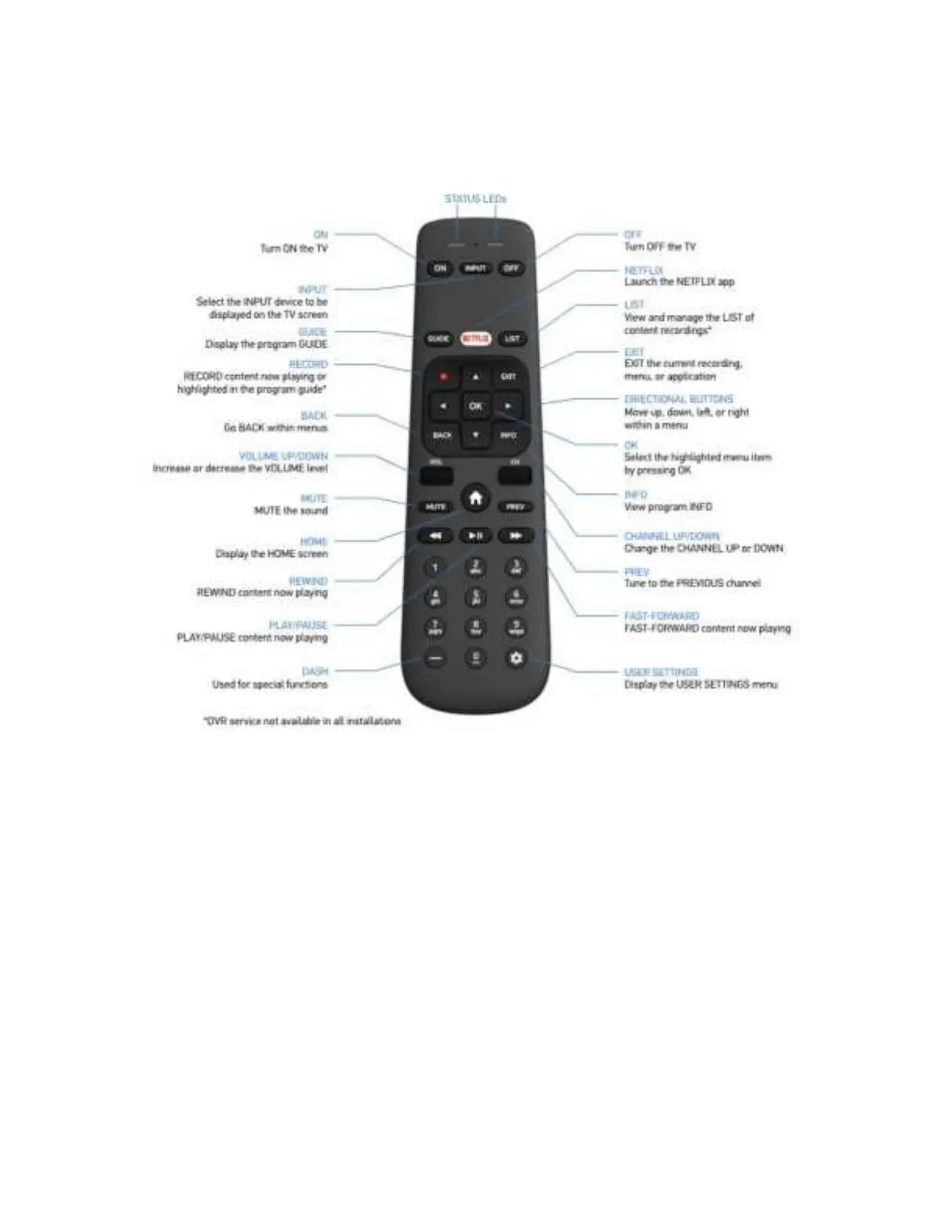
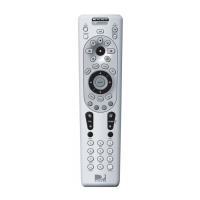
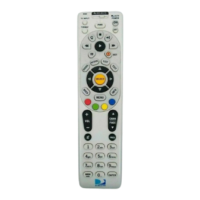
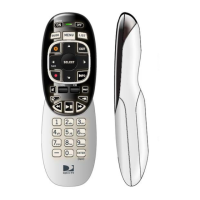
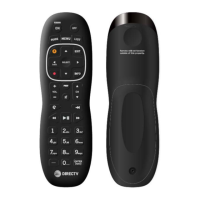
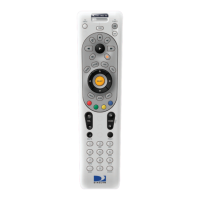
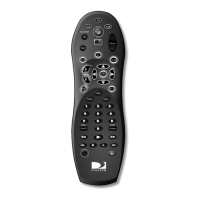
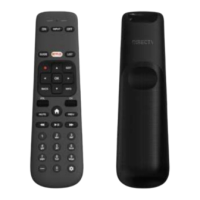
The diagram below describes each key on the remote.
RC90C Remote Keys
Key press notaon
Throughout this manual, the following notaon is used to describe key press operaons on the remote:
<Key> Press and release the key
<<Key>> Press and hold the key for more than 3 seconds
<<Key1 + Key2>> Press and hold Key1 and Key2 keys simultaneously for more than 3 seconds
Important features of the RC90C remote control
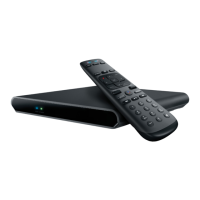
• Default IR mode requires the remote and the IR sensor for the AEP2-100 set-top box to be in line
of sight to each other and provides set-top box control without having to pair the remote with
the AEP2-100 set-top box.
• Oponal RF mode requires pairing the remote with the AEP2-100 set-top box and provides set-
top box control. This eliminates the need for the remote and the IR sensor for the AEP2-100 set-
top box to be in line of sight to each other. The remote and AEP2-100 set-top box must establish


 To Next Page