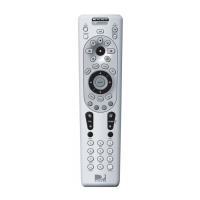
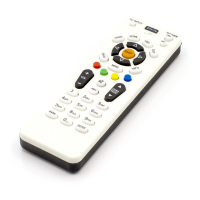
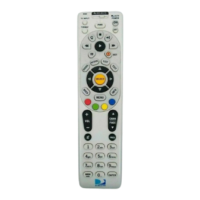
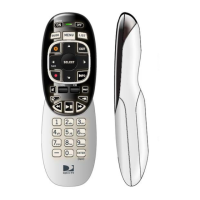
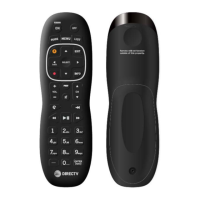
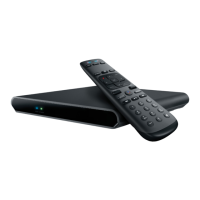
an RF connecon and remain within RF operaon range in order to provide control of the set-top
box. The RF operaon range is up to 10 meters but will be dependent on the specic operang
environment.
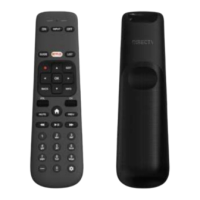
• The remote has a direconal pad for navigaon. Basic operaons and funcons can be selected
by pressing the up, down, le, or right direcon arrows as needed to highlight the desired
feature, then pressing <OK>.
• The remote may be congured to control TV power, volume, mute, and input selecon funcons
in addion to AEP2-100 set-top box funcons. The remote and the IR sensor for the TV must be
in line of sight of each other and the remote must be congured for the TV make/model in order
to provide control of the above TV funcons.
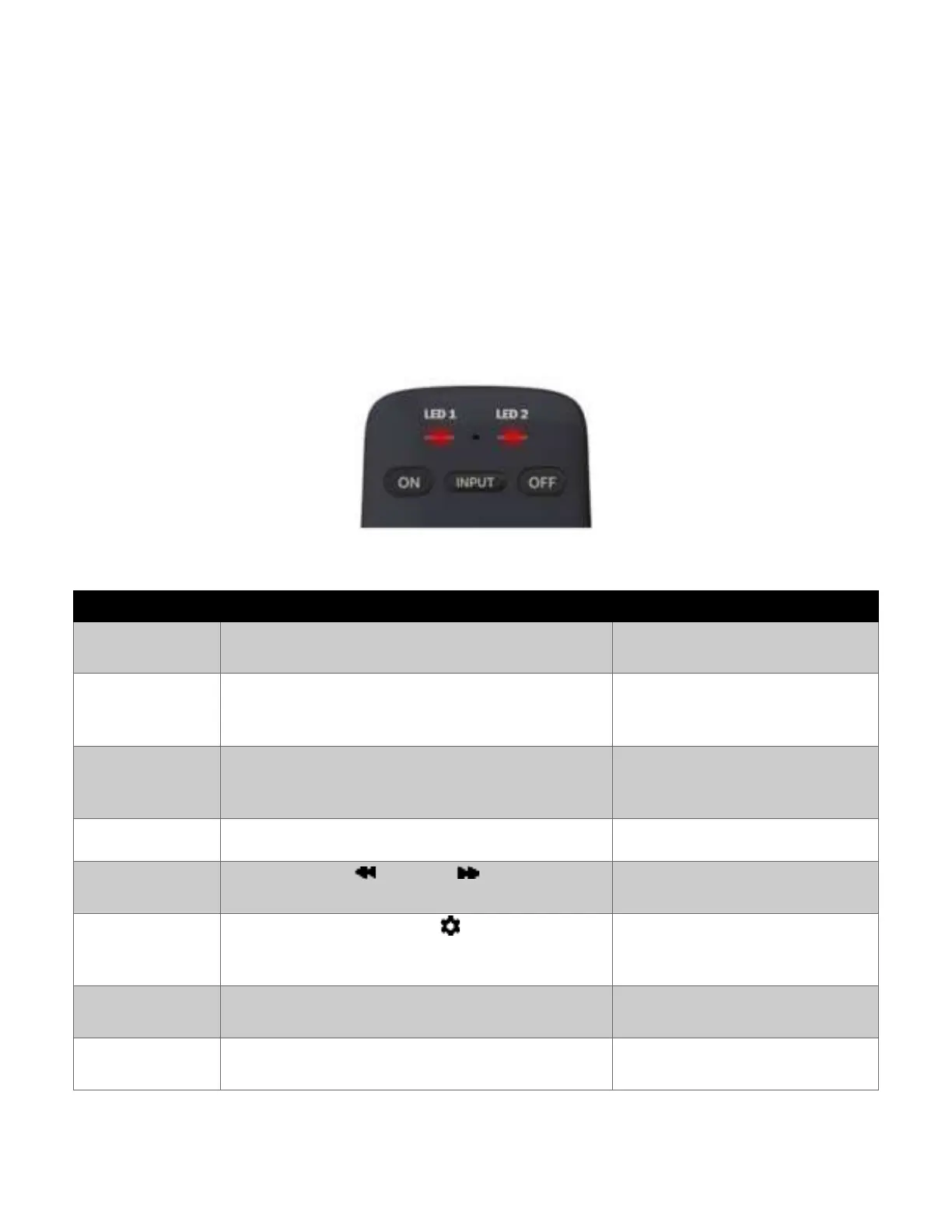
LED Behavior
RC90C Remote LEDs
Red LEDs 1 & 2 will long blink 1x @
1000ms
Key press
conrmaon
(User mode)
Red LEDs 1 & 2 will light while key is
pressed.
Press and hold <<“–” (Dash) + INFO>> for 3 seconds.
The remote enters the setup mode.
Red LEDs 1 & 2 will light up.
Red LEDs 1 & 2 will turn o while
any key is pressed.
Red LEDs 1 & 2 Red LED will short
blink 2x @ 200ms
Press and hold << (Rewind) + (Fast-Forward)>>
for 3 seconds. The remote enters RF pairing mode.
Red LEDs 1 & 2 will short blink @
200ms in an alternang sequence.
Press and hold <<“–” (Dash) + (User Sengs)>>
for 3 seconds.
Red LEDs 1 & 2 will light up.
Red LEDs 1 & 2 will turn o while
any key is pressed.
Press and hold <<“–” (Dash) + INFO>> for 3 seconds
followed by <9> <8> <1>.
Red LEDs 1 & 2 will short blink 4x @
200ms.
Baery voltage falls below operang threshold
Red LEDs 1 & 2 will short blink 3x @
200ms.


 To Next Page