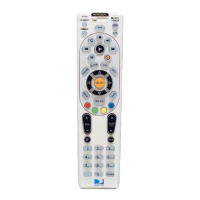
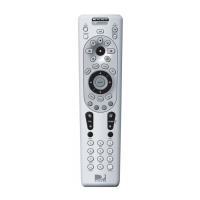
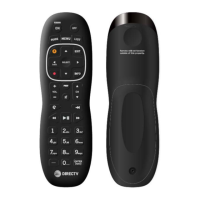
While in Clear RF pairing mode, the remote will return to User mode and nofy the user with an error
blink (Red LEDs 1 & 2 will short blink 2x @ 200ms and then turn o) if:
• User presses the <EXIT> key
• User presses any key sequence other than <9> <8> <1>
• There is no user acvity for > 20 seconds
No RF pairing is cleared under these circumstances.
Low Baery Voltage
Setup and RF pairing funcons are not supported if the baery voltage falls below the operang
threshold. In such an event, the LEDs will nofy the user through the Low Baery indicaon. The RCU
will then return to User mode.
Factory Reset
To factory reset the remote:
1. Press & hold <<“–” (Dash) + INFO>> to enter Setup mode (Red LEDs 1 & 2 will light up).
2. Press <9> <8> <1>.
When factory reset, the remote will delete any TV make/model or RF pairing sengs and return to
default IR mode for AEP2-100 set-top box control.
While in Setup mode, the remote will return to User mode and nofy the user with an error blink (Red
LEDs 1 & 2 will short blink 2x @ 200ms and then turn o) if:
• User presses the <EXIT> key
• There is no user acvity for > 20 seconds
No factory reset is performed under these circumstances.


 To Next Page