EN
COMPACT
11
2
3
1
4
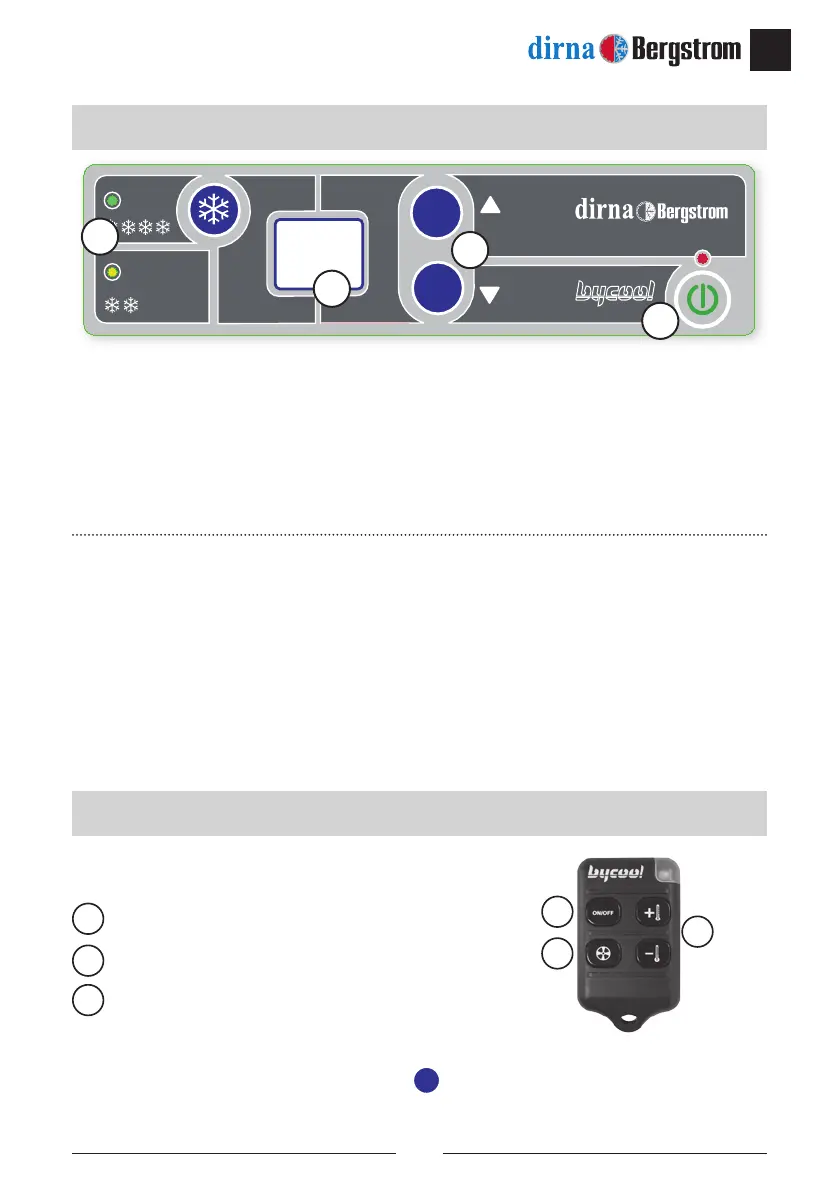
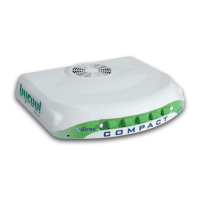
1.- On/off: turn the unit on and off and select operation mode.
2.- Indicates compressor operation.
3.- Display: Screen indicating the selected function and the status of the unit.
4.- Temperature selectors: Select cabin temperature and blower speed (in manual mode only),
programme the remote control and degrees Fahrenheit.
• When connecting, the unit checks the LEDs, displays 88--bd and goes off.
Remote control functions:
Unit on/off.
Blower speed control.
Temperature control.
Activate the remote control:
To activate the remote control, keep the
-
key on the control panel pressed down
with the unit off. The display will show
C
C
ashing. When it stops ashing, press the
Control panel
Remote control
1
2
3
1
2
3
Special display messages (please check Troubleshooting):
l8
: Low battery.
E2
: Electrofan or blower failure.
E3
: Compressor failure.
E5
: Overheating of the compressor module.
E9
: Compressor protection (cabin tilted).
E0
: Poor contact of the return air sensor cables, or return air sensor faulty.
ec
: Communications cable failure.


 To Next Page