EN
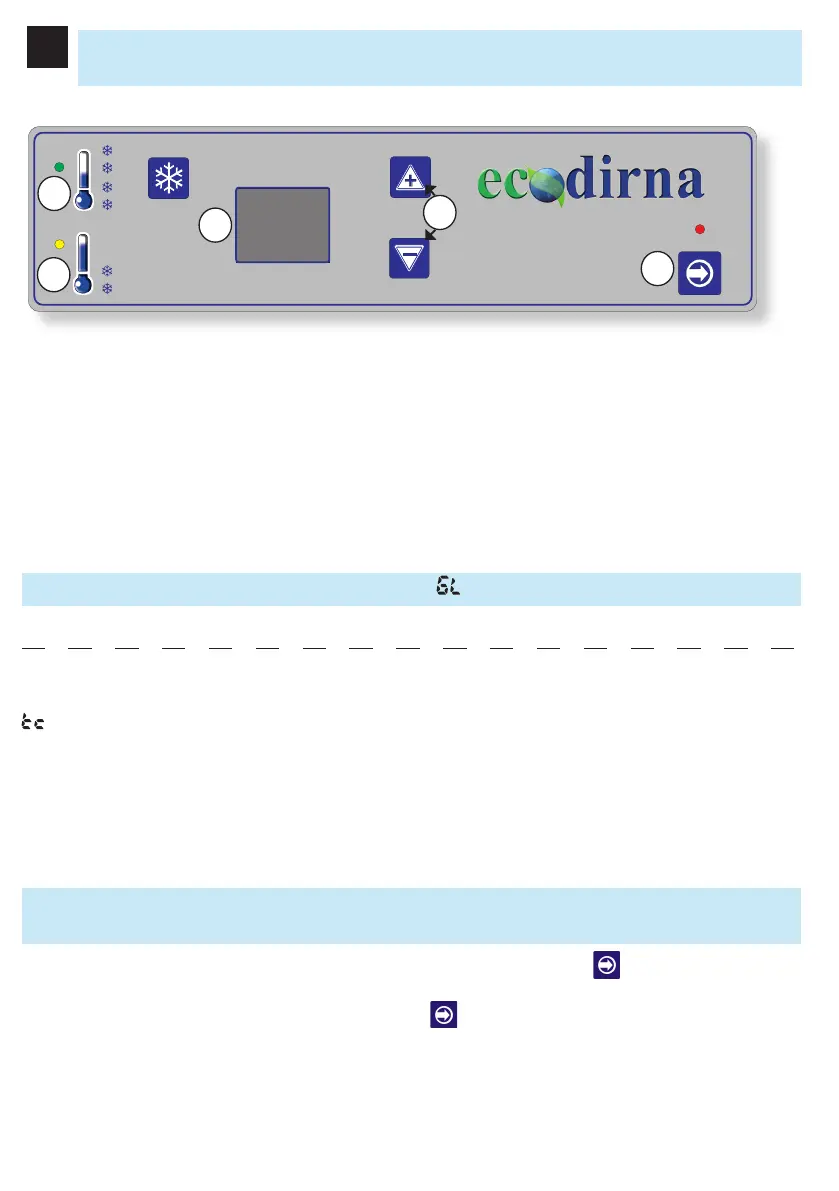
1.- On/off: Switching the unit On - Off and mode selection F4/ F0/ F1/ F2/ F6
2.- Temperature selector (15/ 27 ºC - 59/80º F) Remote control programmation, Farenheit
degrees and Air Speed: Ambient temperature control and blower speed (between 1st and 5th
speed) manual mode only.
3.- Display: Screen showing the function selected and the status of the equipment.
4.- Led On - indicates intermediate power f0,f4
5.- Led On - indicates maximum power P0, p4
Control Panel
Special display messages (please see failure Diagnosis):
: “Technical Control” Battery low (will emit bips during a brief period of time and the kit will
turn off)
EO: Poor contact of the sensor recirculation wires or lead anti-recirculation broken down.
E6: Poor contact of the anti-ice sensor or lead anti-ice broken down.
• On connection, the equipment checks the leds and -2 appears on the screen and turns off.
Turning the Equipment On
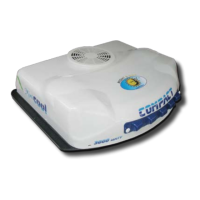
To turn the Minicool Compact 3.0 N&D unit on, press the On/ Off key . The unit will always
start up on the F4 Function (Automatic Function).
To change the function, hold down the On/ Off key . The different functions will be displayed,
release the key on obtaining the desired function.
1
3
4
5
2



 To Next Page