EasyManua.ls Logo

Disaster Area Designs DMC.micro - DMC.micro Device Overview; Controls and Indicators; Connectivity Ports

Disaster Area Designs DMC.micro
12 pages
Print Icon
To Next Page IconTo Next Page
To Previous Page IconTo Previous Page
Loading...
of 3 12
DMC.micro User Manual
Thanks for purchasing a Disaster Area Designs DMC.micro controller. The DMC.micro is our smallest MIDI controller, but don’t let its
size fool you - it packs quite a punch!
Let’s take a look at the DMC.micro and see what it can do for your rig:
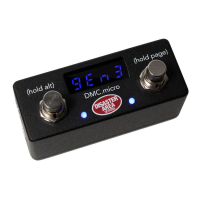
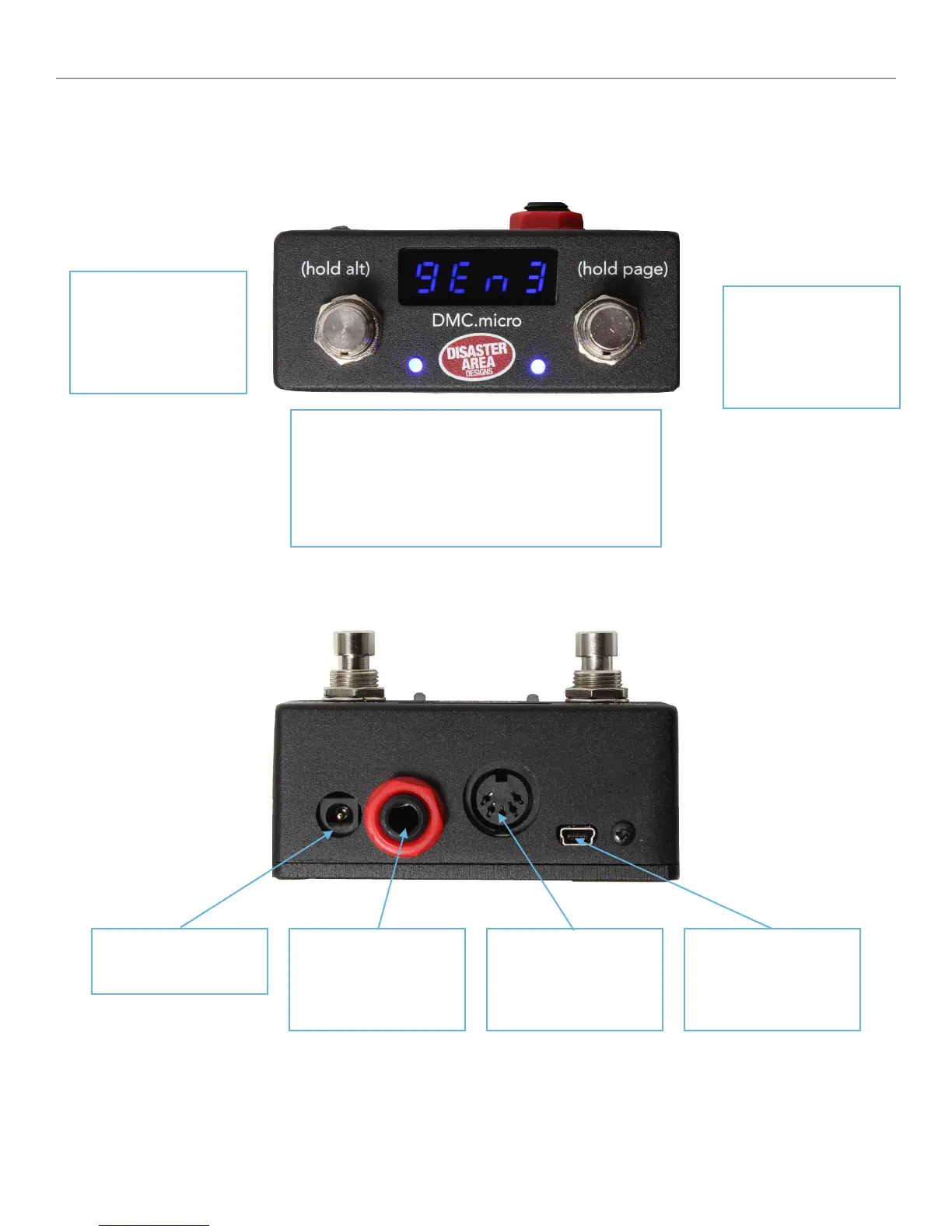
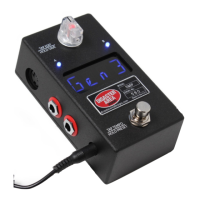
Disaster Area Designs DMC.micro Gen3
Left Button
Tap to activate left
function
Hold to activate ALT
function
LED Display shows current preset or status
Left LED shows left status (BLUE) and ALT status
(RED.)
Right LED shows right status (BLUE.)
Right Button
Tap to activate right
function
Hold to advance to next
Page
DC Power:
9V, 64mA minimum
MultiJack:
Connects to expression
pedal, foot switch, MIDI,
tap tempo, and more
MIDI Port:
Standard MIDI OUT on
pins 4&5
MIDI INPUT on pins 1&3
USB Mini-B
USB MIDI for computer
or iPad, USB HOST for
other USB devices

Related product manuals