31
Utilities
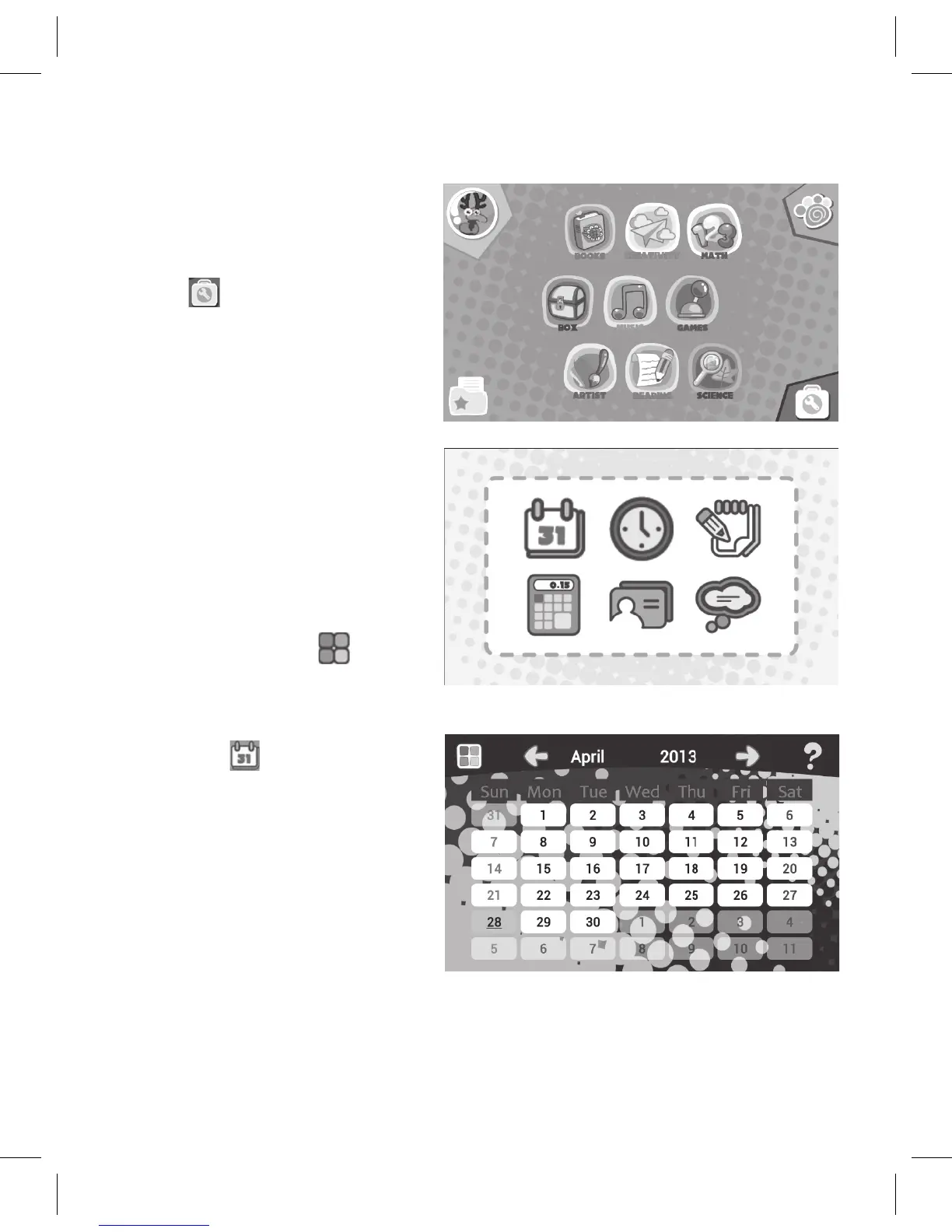
1. AttheHomescreen,tap
the
icon to bring up
the Utilities screen.
2. At the Utilities screen
you can enter the various
options. See the following
steps for instructions for
each item.
Note: On all Utilities
screens,tapthe icon
tochangethebackground.
3. Tap the icon to bring
up the Calendar screen. At
the Calendar screen you
can touch a day to type in
a note or add to the audio
diary(seethenextpage).



 To Next Page