48
Online Software Update
Note:FollowthesestepstoupdatetheoperatingsystemofyourtechTAB.
Thesoftwarecouldtakeupto30minutestoupdatedependingonyour
internet connection speed. Please do not disconnect the techTAB from
your PC until the software is finished updating.
1. Connect your techTAB to your PC using the USB cable and login to
thetechTABAssistantPCsoftware.(SeeInstallationandlogin
instructionsonpages45-46).
2. Onceyouhaveloggedin,selectthisiconintheupperrightsection
of the PC software and select “Update Software”.
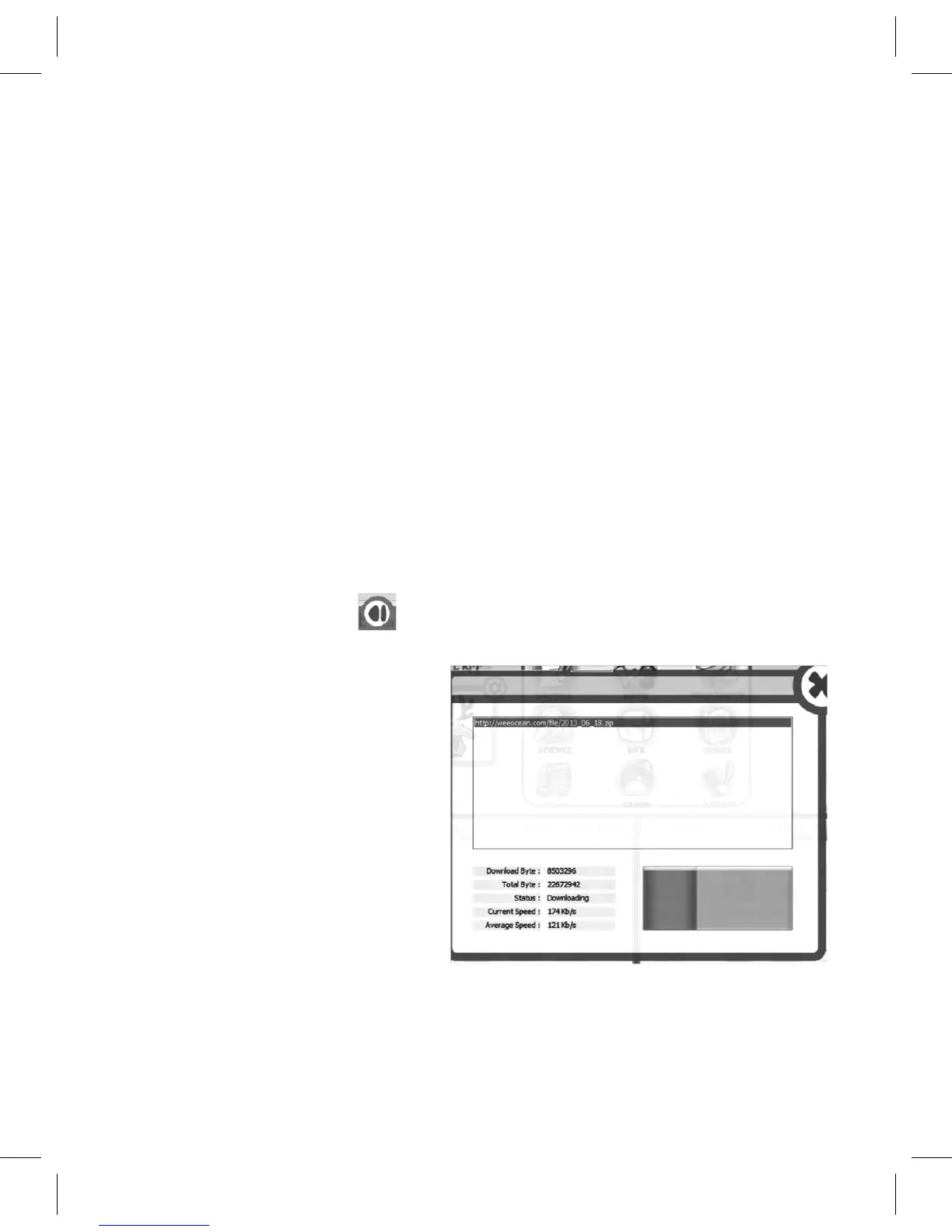
3. The PC software will
automatically open this
downloadpage,displaying
a progress bar of the
download status.



 To Next Page