44
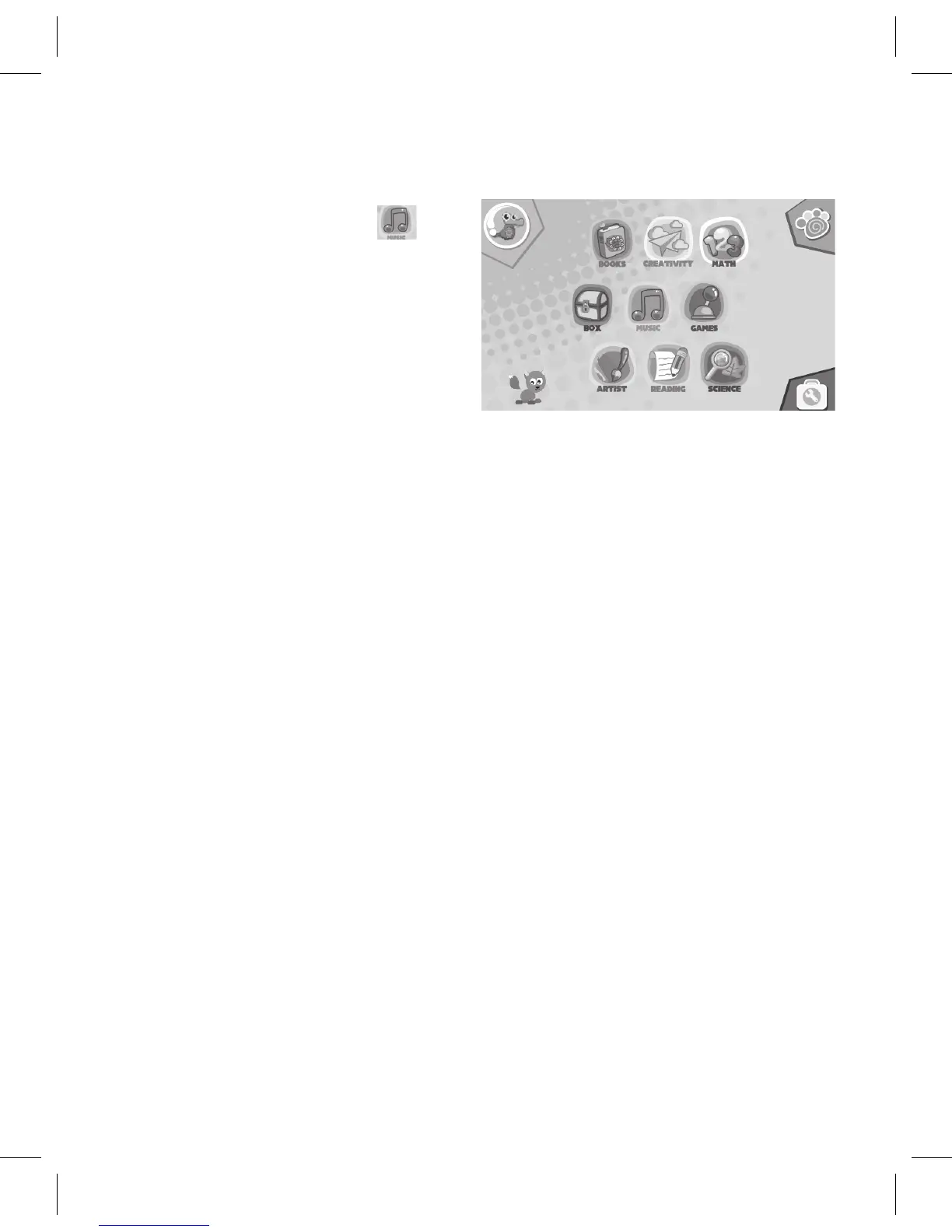
Music:
AttheHomepage,tapthe
icon
to bring up the Music screen.
Tap a file to play.
See page 45 on how to load music
using the techTAB Assistant.
Box Folder
TapontheBoxicontobringuptheMusic,EmailandExploreroptions:
Music: Tap to listen to music previously loaded. See page 45 on how to
load music using the techTAB Assistant.
Email: Tap to view and send email. Set up the email first; see System
Settingsonpages16-19.
Explorer:Browse,CopyorDeletelestoandfromtheInternalMemory,
SD Card or Flash drive.
Other Category Folders:
The folders not mentioned in this manual are category folders for the
Parent to store applications in.



 To Next Page