45
Using techTAB Assistant Software
Installing the Software
Note:ThetechTABAssistantsoftwarecanonlybeusedwithPCs.Ifyou
areaMacowner,transferphotos,musicles,etc.,tothetechTAB
using a Micro SD card. See page 12 for Micro SD card instructions.
1. You will need to be at your computer. Enter the following address in
your web browser on your computer: discoverykids.com/techtab.
Clickonthe“DownloadNow”buttontodownloadthesoftware.You
will need to install the techTAB assistant in your PC to enable files
transfer between your PC and the device.
2. PlugthesmallendoftheUSBcabletotheMicroUSBjackon
your techTAB and the other end to the powered USB port on the
computer.
3. Follow the prompts to install the driver for your device.
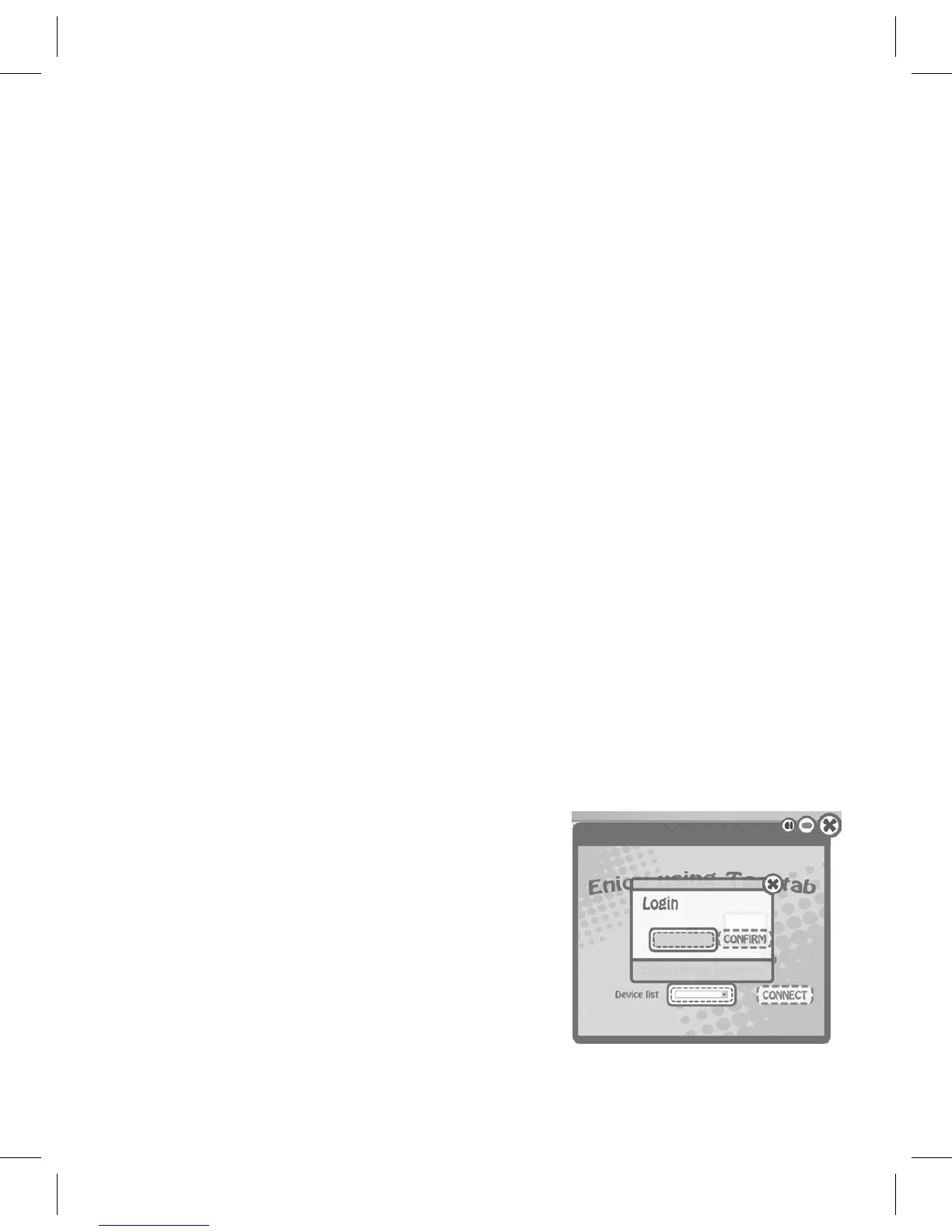
Using the Software
1. Launch the techTAB Assistant Program;
the screen will appear.
2. Log in either with the default password
of “111” or the password you changed
it to during setup if you have used the
program before.



 To Next Page