43
My Pet Game:
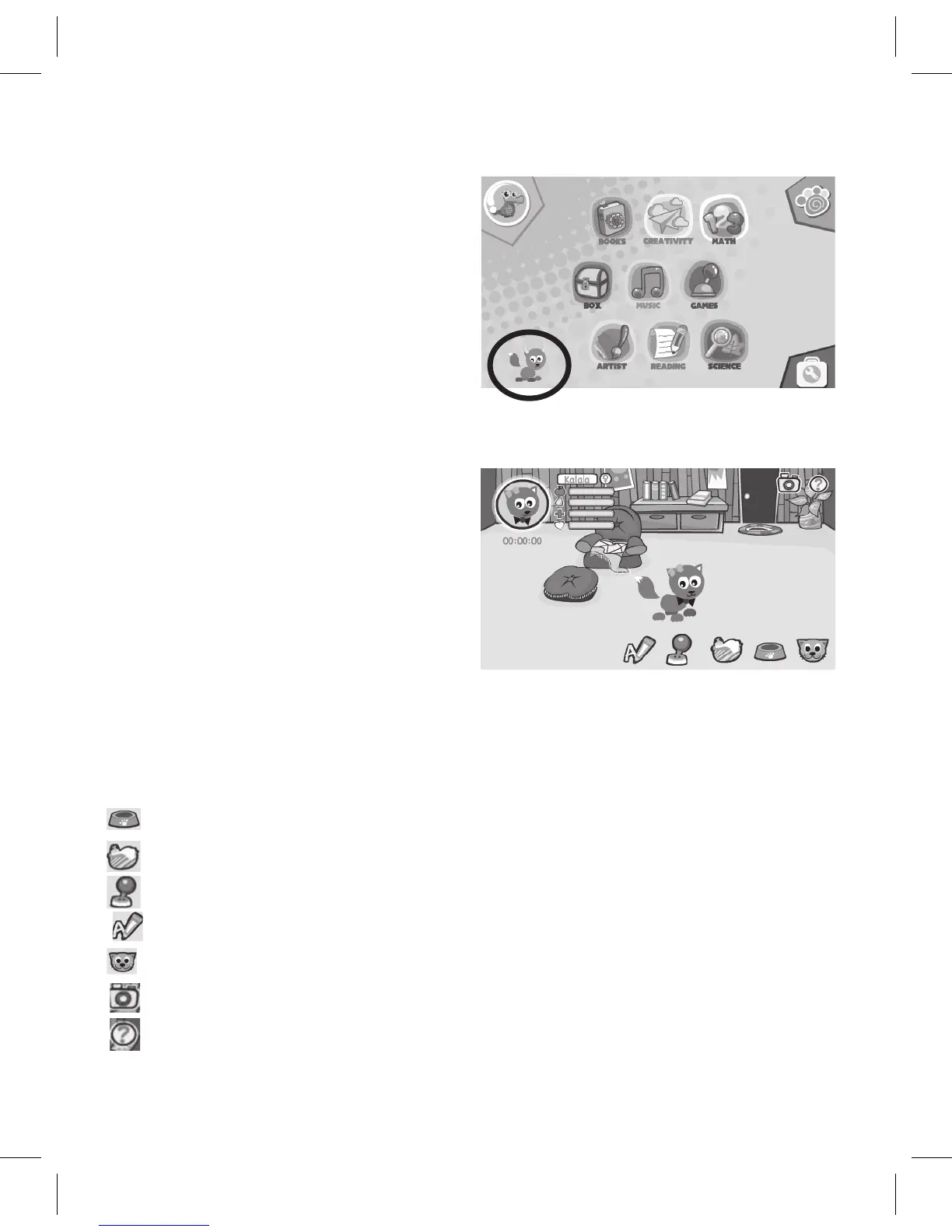
ToaccessthePetgame,fromthe
Child’sHomescreen,taponthepet
at the bottom left of the page.
Afterselectingthisgame,tapon
the picture of the pet at the top left.
Usercanlookthroughthepet’sinformation:name,gender,portrait,total
playingtime,andlevels(hunger,
clean,health,andmood).
Keys to the Game:
• Whenhealthlevelis0,thepet
will not learn or play games.
• Whenthehungerleveland
storedvalueare0,everytwo
minutes one piece of food will be sent.
• Whenyoutouchthepet,itsbodywillmove.
How to Play:
: Tap to select foods to feed the pet
: Tap to enter the bathroom to bathe the pet
: Tap to play game
: Tap for study time
:Taptocustomizepet
: Tap the camera icon to snap a pet picture
: Tap to provide help



 To Next Page