34
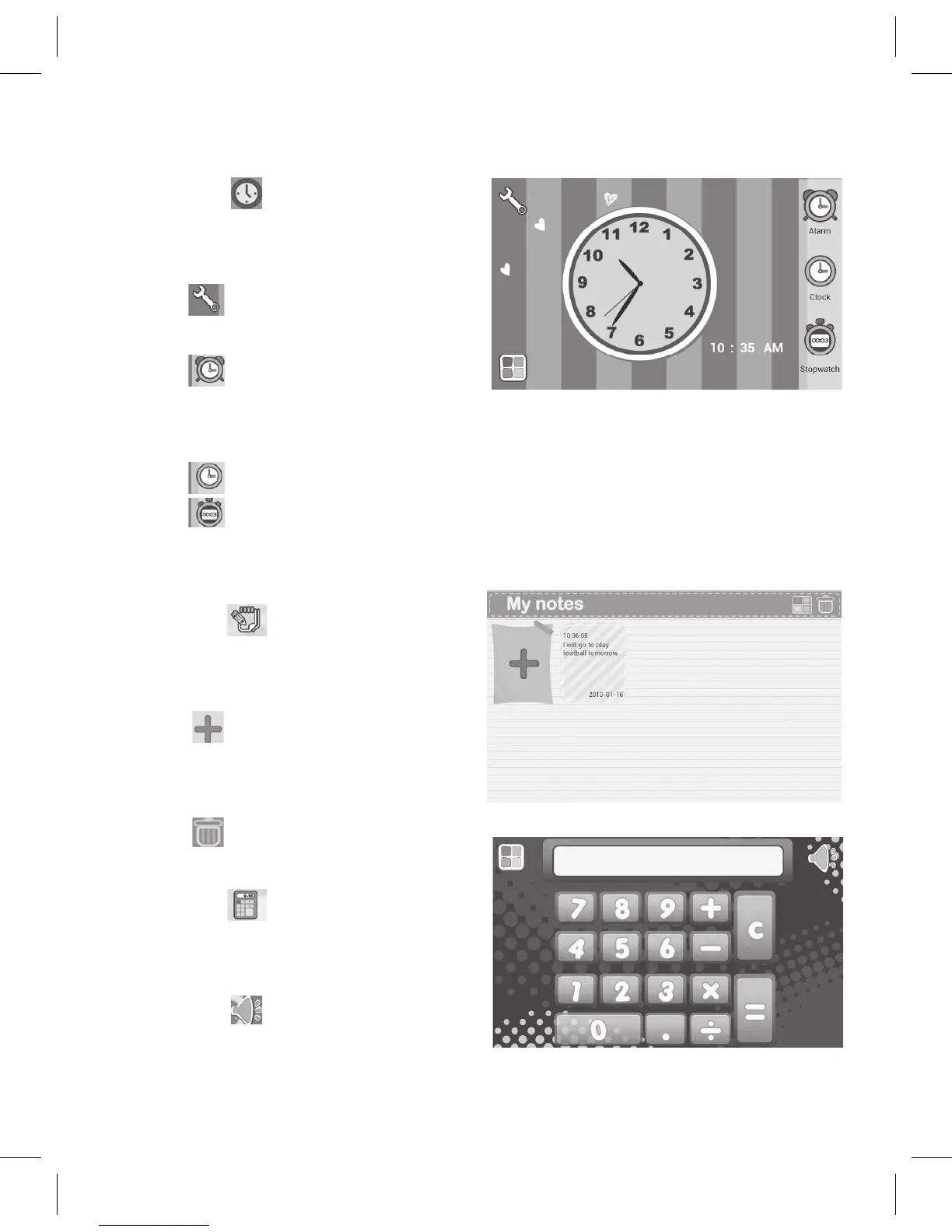
4. Tap the icon to bring up
theClockscreen.AttheClock
screen:
Tap to set the current time.
Tapcheckmarkwhenset.
Tap tosetthealarmwake
sound,alarmtimeandtoturnit
on or off.
Tap toreturntotheclock.
Tap tousethestopwatch.Presstheyellowarrowtostart,then
thePauseicontopause.Toreset,pressReseticon.
5. Tap the icon to bring up
theNotesscreen.AttheNotes
screen:
Tap to add a note. Tap
the screen to bring up the
keyboard.
Tap to delete a note.
6. Tap the icon to bring up
the Calculator screen. At the
Calculator screen:
Tap the icon to turn the
button sound on or off.



 To Next Page