Quick Tour of the Menus
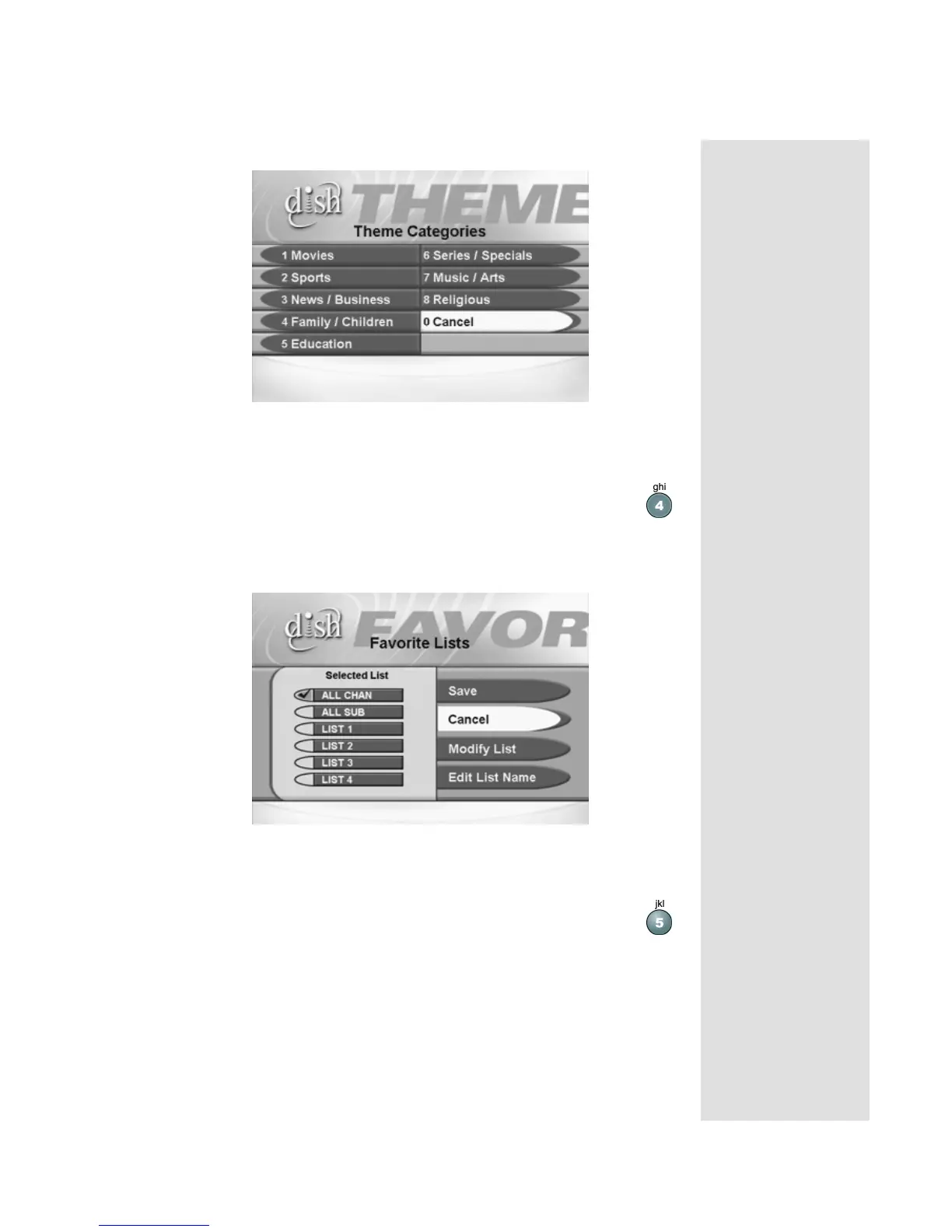
This menu allows you to search for programming by Theme Categories.
5. Press the MENU button to go back to the Main Menu.
6. Press the 4 button to open the Favorites menu.
This menu allows you to set up lists of your favorite channels to make finding
what you want to watch more convenient.
7. Press MENU to go back to the Main Menu.
8. Press the 5 button to select the Locks option on the Main Menu.












 To Next Page