Page 6
Chapter 1
Introduction
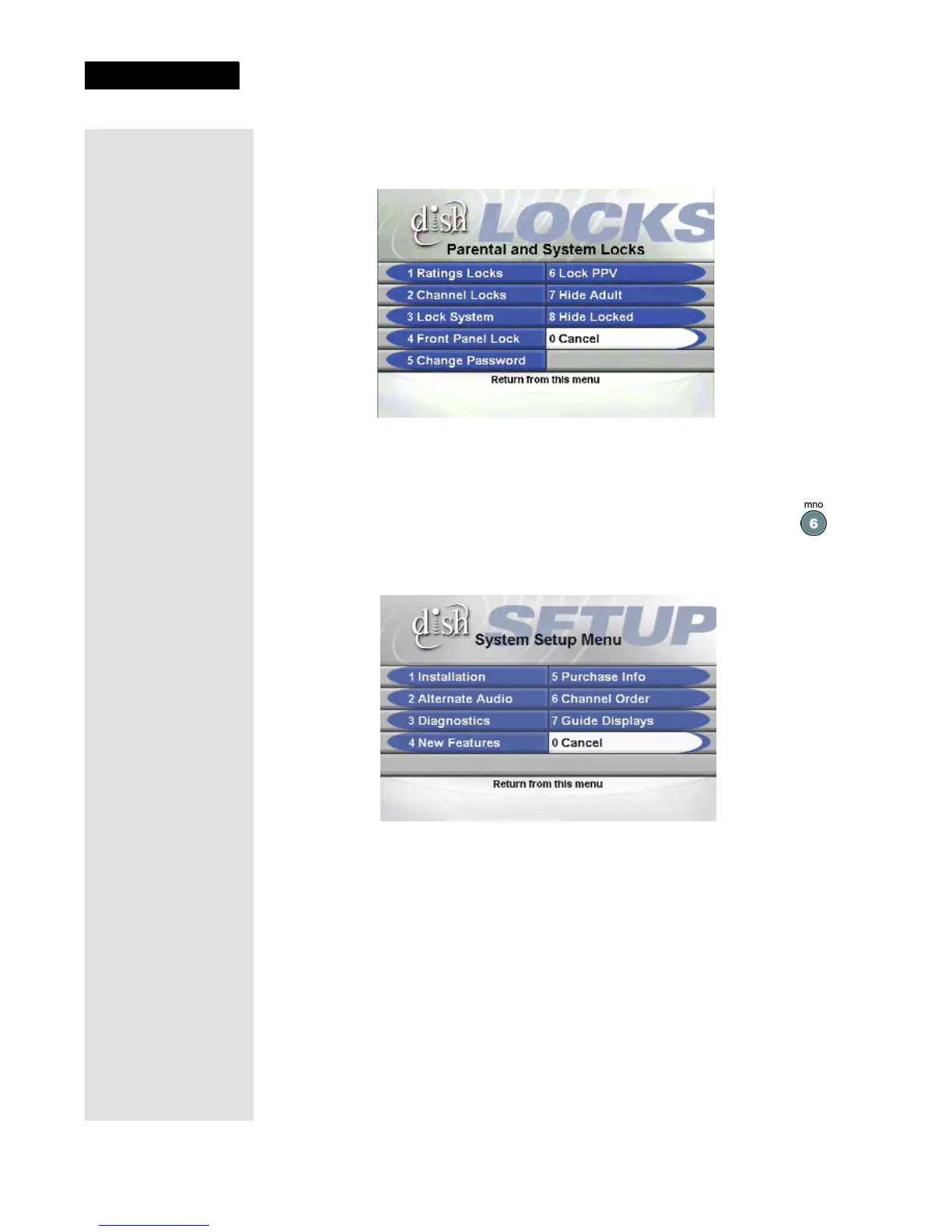
This menu allows you to apply password-protected locks on programming
based on rating, or even on a channel-by-channel basis.
9. Press MENU to go back to the Main Menu.
10. Press the 6 button to select the System Setup option on the Main Menu.
Use this menu to set up the system the way you want.
11. Press MENU to go back to the
Main Menu.
12. Press the 7 button to select the Timers
option on the Main Menu.












 To Next Page