Chapter 1
Page 8
Introduction
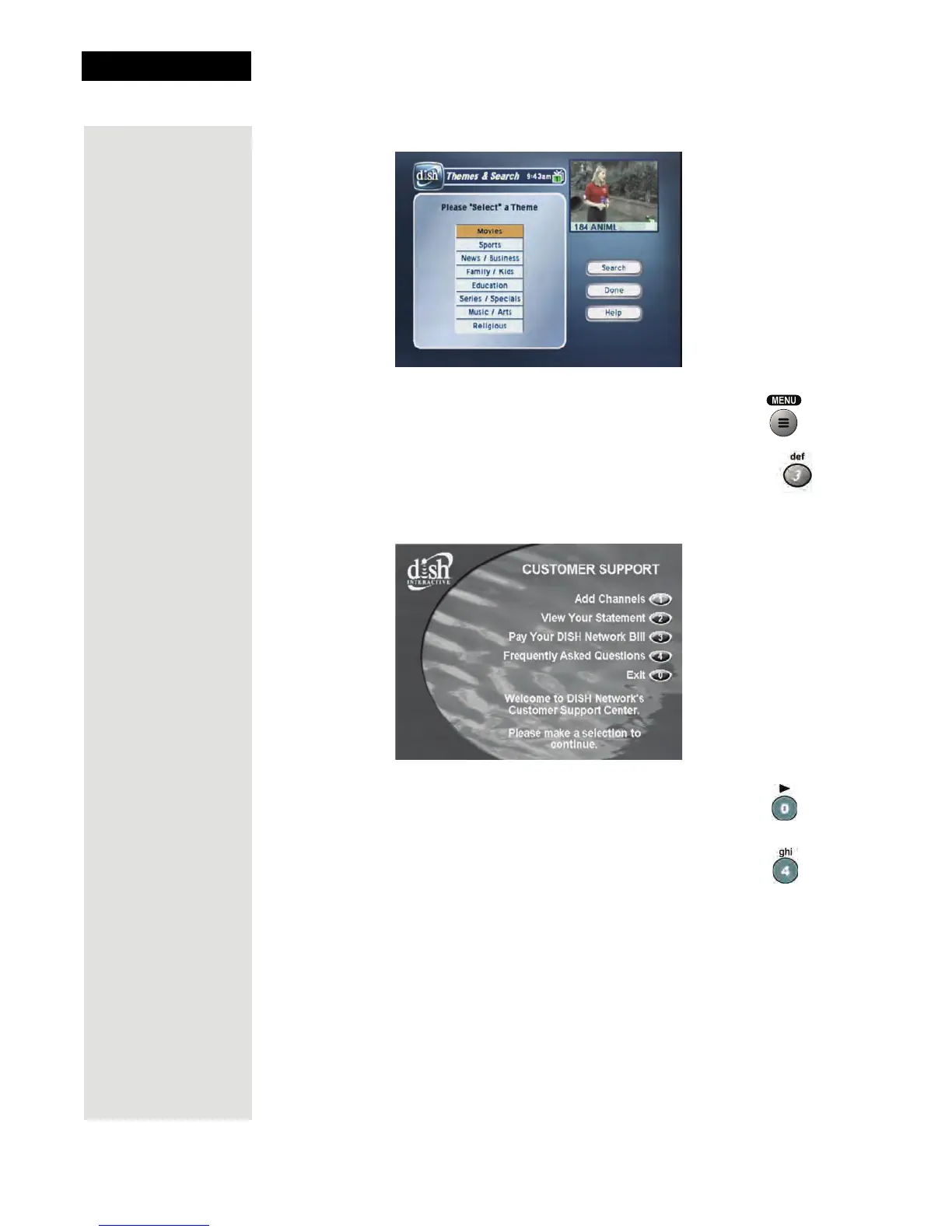
5. Press the MENU button to go back to the Main Menu.
6. Press the 3 button to select the
Customer option. This menu
provides convenient access to your DISH Network account to
review your statement, pay your bill, upgrade programming, and
more.
7. Press the 0 button to go back to the
Main Menu.
8. Press the 4 button to select the
Dish Home option. You can
order channels, check the news and weather, and even play
games.












 To Next Page