Page 9
Quick Tour of the Menus
9. Press the MENU button to go back to the Main Menu.
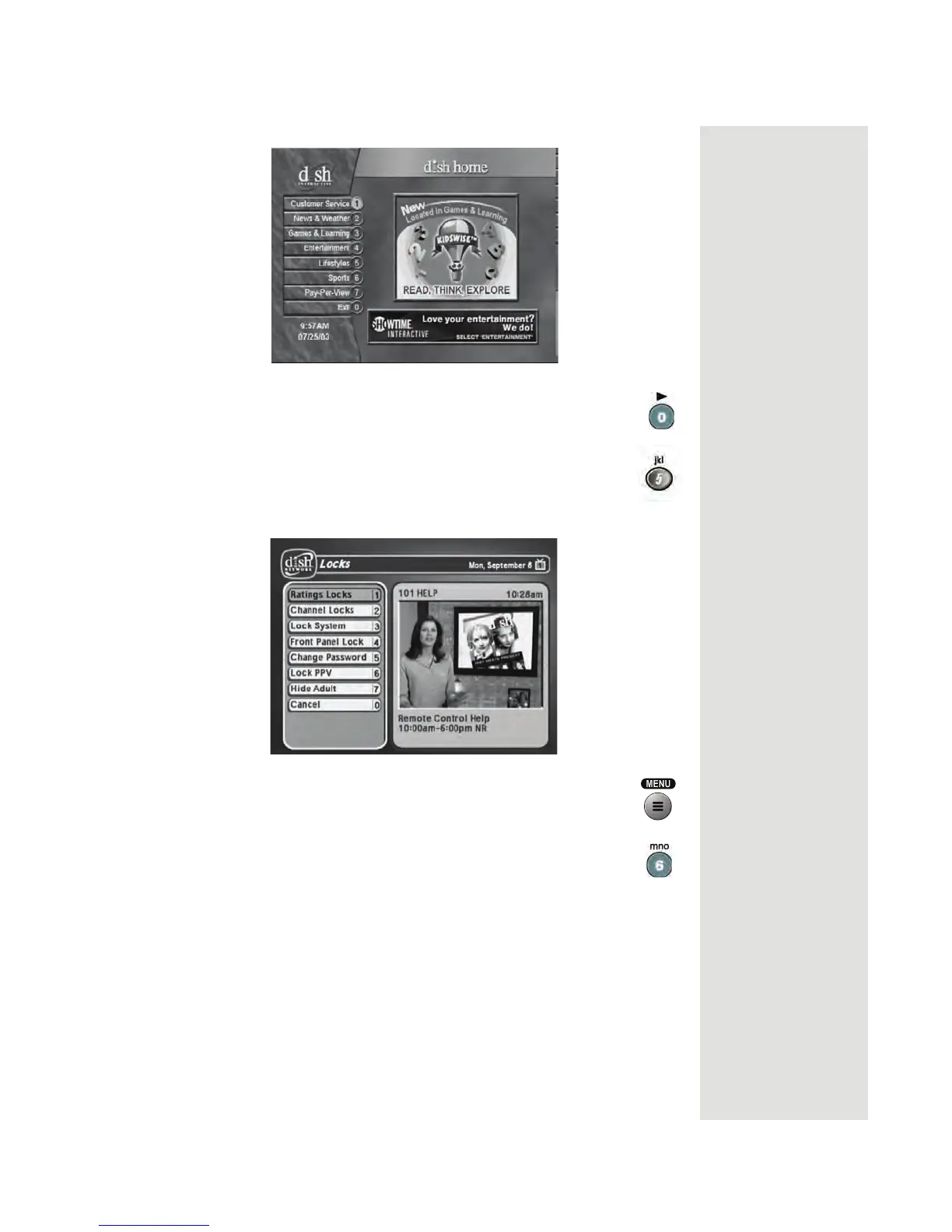
10. Press the 5 button to select the
Locks option on the Main
Menu
. This menu allows you to apply password-protected
locks on programming based on rating, or even on a channel-
by-channel basis.
11. Press MENU to go back to the
Main Menu.
12. Press the 6 button to select the
System Setup option on the
Main Menu. Use this menu to set up the system the way you
want.












 To Next Page