7.
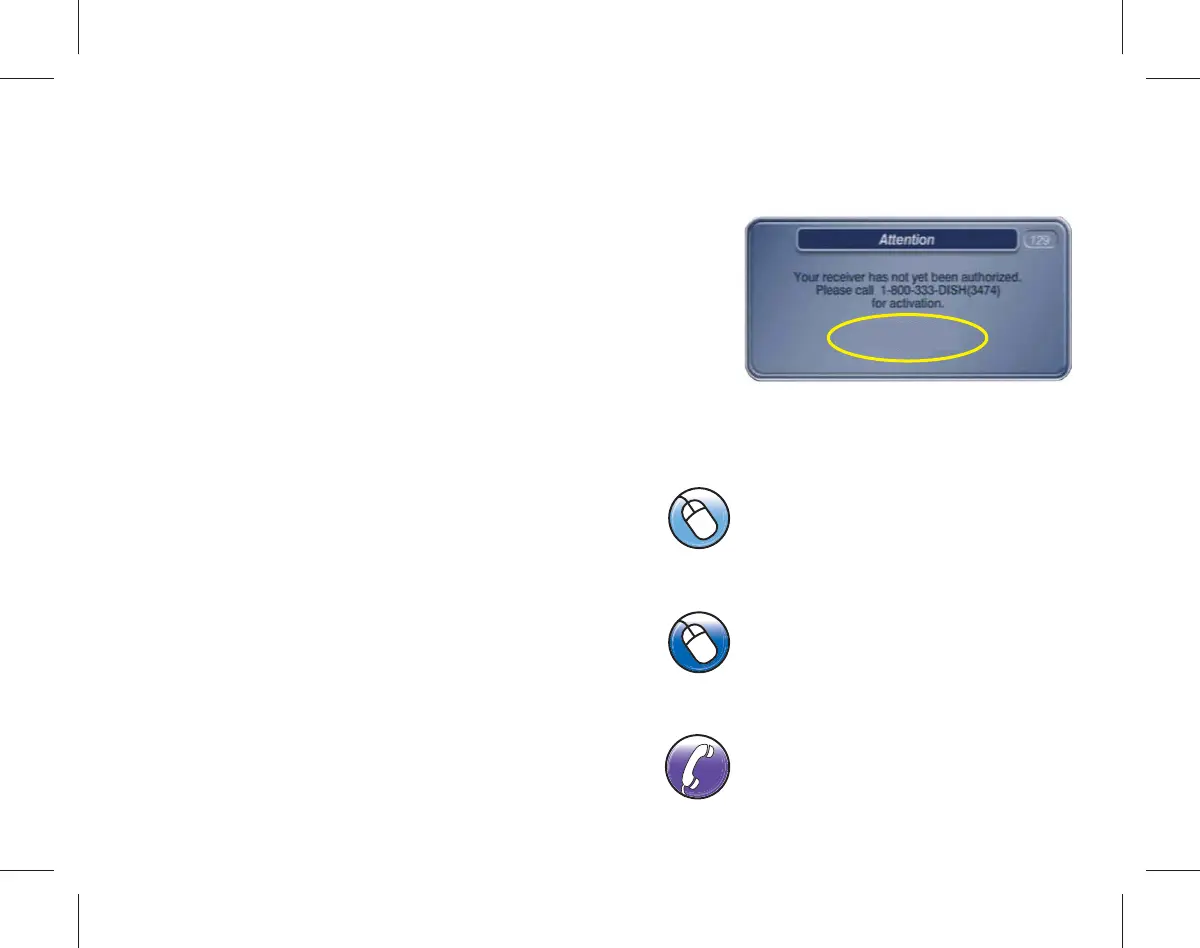
Authorize Your Replacement Receiver
a.
Have your account number, receiver
number, and Smart Card number
ready to complete authorization.
b.
To authorize your DISH receiver
choose one of the following options:
- Contact DISH Network at
1-800-333-DISH (3474).
- Go to mydish.com/myequipment,
register of log in to your DISH
account then select “Activate
Receiver”.
- Contact a DISH network
representative using online chat
support by going to dish.com/chat
and click “Chat Now”.
mydish.com/myequipment
dish.com/chat
1-800-333-DISH (3474)
R00XXXXXXXX-XX
S00XXXXXXXX-XX



 To Next Page