68
Connecting to a TV
CONNECTING TO A TV
This section describes how to connect receiver output ports to a TV. Select one of the following
methods.
Types of TV Connections
You can connect the receiver to a television in one of several ways:
• RCA audio/video (sometimes called composite video) connections
• S-video and RCA audio connections
• YPbPr (component) video and RCA audio connections
• DISH DVI connections.
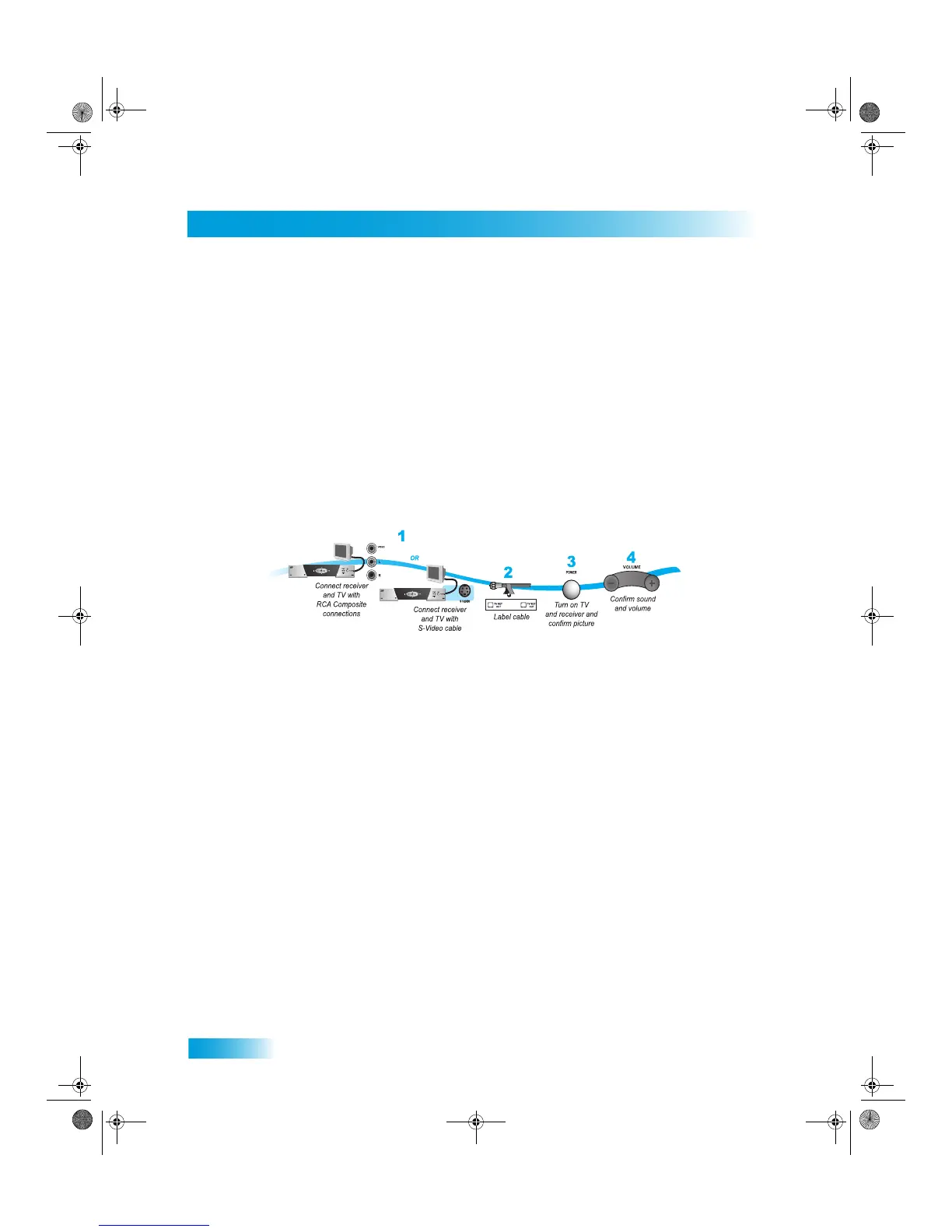
1 Connect the receiver to the TV using one of the following:
• RCA audio/video (yellow cable) connections
• S-video and RCA audio (red and white cables)
• A digital connection using DVI. See “DISH DVI Connections” on page 69.
• Green, blue, and red component cables. See “YPbPr Connections” on page 70.
2 Turn on the TV and receiver to make sure you have a picture.
3 Turn up the volume on the TV to make sure you have audio.
The following sections described how to connect the receiver to a TV or monitor using either a
digital video interface or a high-quality component video connection.
Chapter 11 381.fm Page 68 Thursday, May 21, 2009 6:19 PM











 To Next Page