59
Deleting a Timer
– Select Exact Match with the Title or Info.
– Choose DishPASS when you select a future program within the Program Guide,
Browse Banner or Search. This will enter the program's exact title.
8 Select Done.
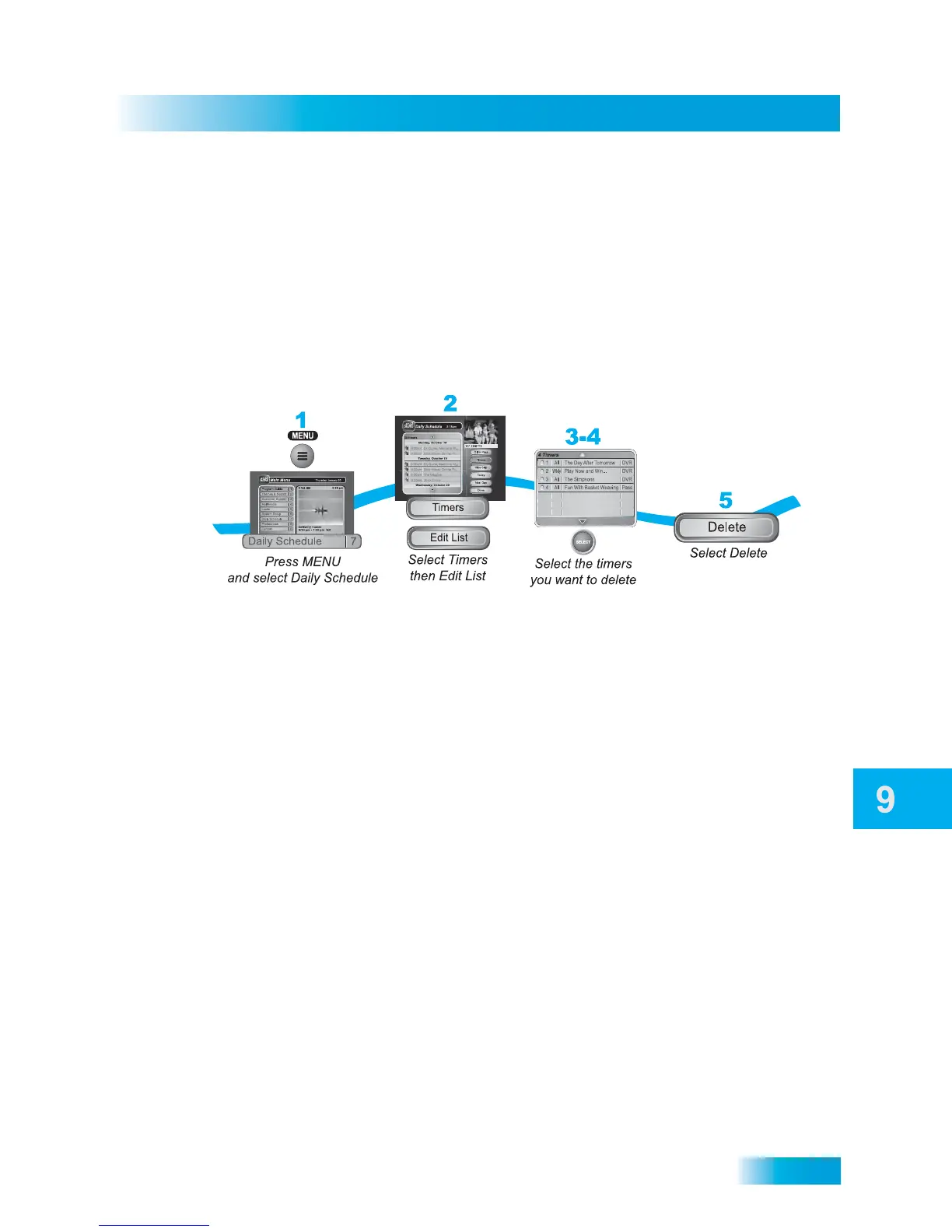
DELETING A TIMER
1 Press MENU and then select Daily Schedule.
2 Select Timers.
3 Select Edit List.
4 Select the timers to delete.
5 Select Delete. The timers are deleted.












 To Next Page