86
Connecting to the TV
CONNECTING TO THE TV
High-Definition Connection: HDMI Cable
The HDMI (High-Definition Multimedia Interface) connection provides high-quality audio
and video to your HDTV or HD Monitor using one cable. If your HDTV or monitor has an
HDMI connection available, this is the recommended connection.
Note: Connecting your TV directly to the audio/video outputs of your receiver will assure a
more vivid picture and enhance your viewing enjoyment.
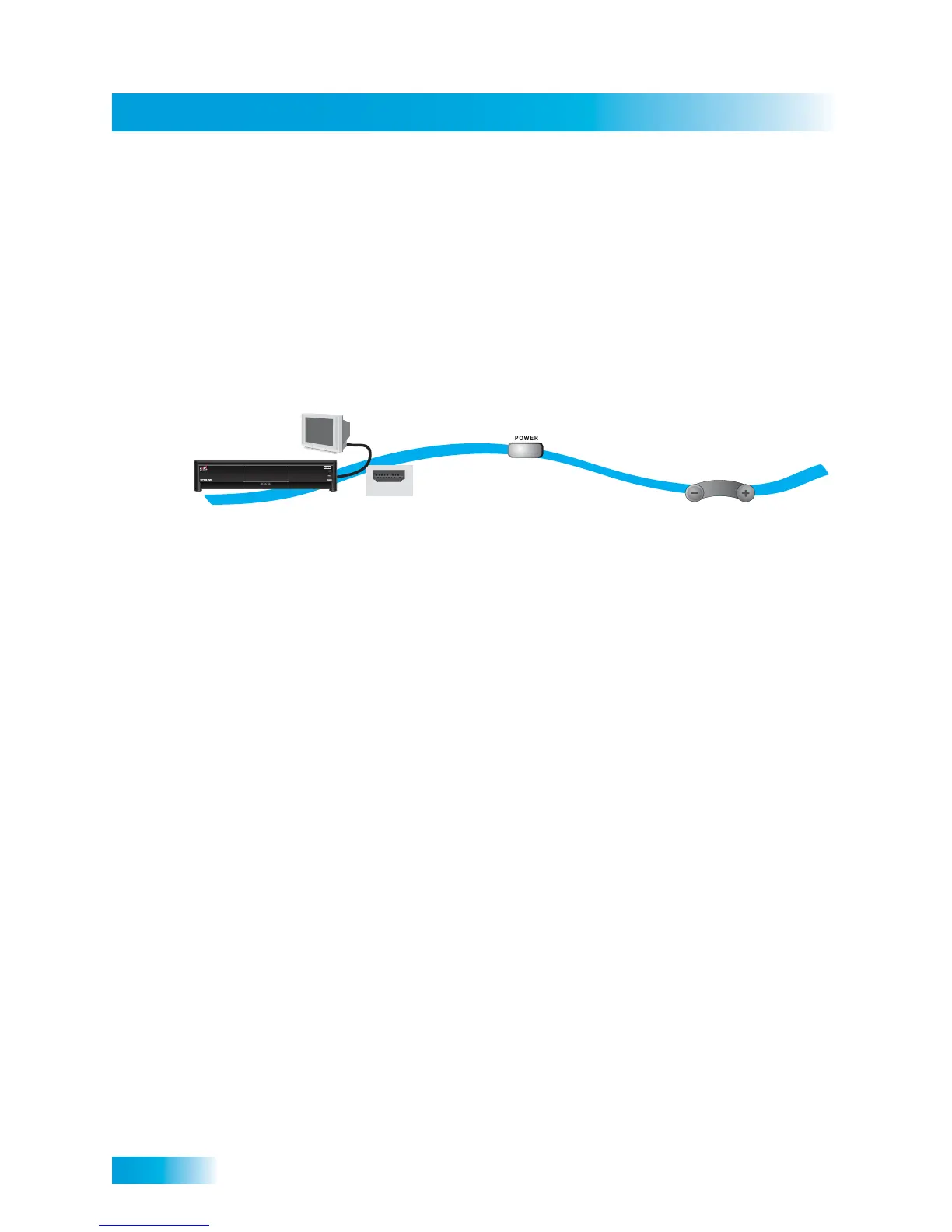
1 Connect an HDMI cable to the HDMI connection on the receiver.
2 Connect the other end of the HDMI cable to the HDMI input of the HDTV set or monitor.
3 Turn on your receiver and TV. Change your TV to the correct input or source. Consult your
HDTV user’s guide for assistance.
4 Confirm that you are getting a picture from the receiver.
5 If you do not see a picture, refer to No Picture on the TV on page 87.
Note: In most cases connecting the HDMI cable provides plug-and-play control of the
monitor’s display resolution and other settings. However, your HDTV may require
selecting a different format to display from the receiver during setup.
6 Turn up the volume on your HDTV and confirm you have sound. If you don’t have sound,
your system may require you to connect audio (red and white) RCA-type cables between
the receiver’s Audio Outputs and the TV’s audio input connections.
7 Refer to Setting Up to Display in HD on page 88 to adjust the receiver’s HD display
settings to match your TV.
HDMI
1
2-4
5
Connect receiver
and monitor with
HDMI cable
Turn monitor
and receiver on
and confirm picture
Confirm
sound and
volume












 To Next Page