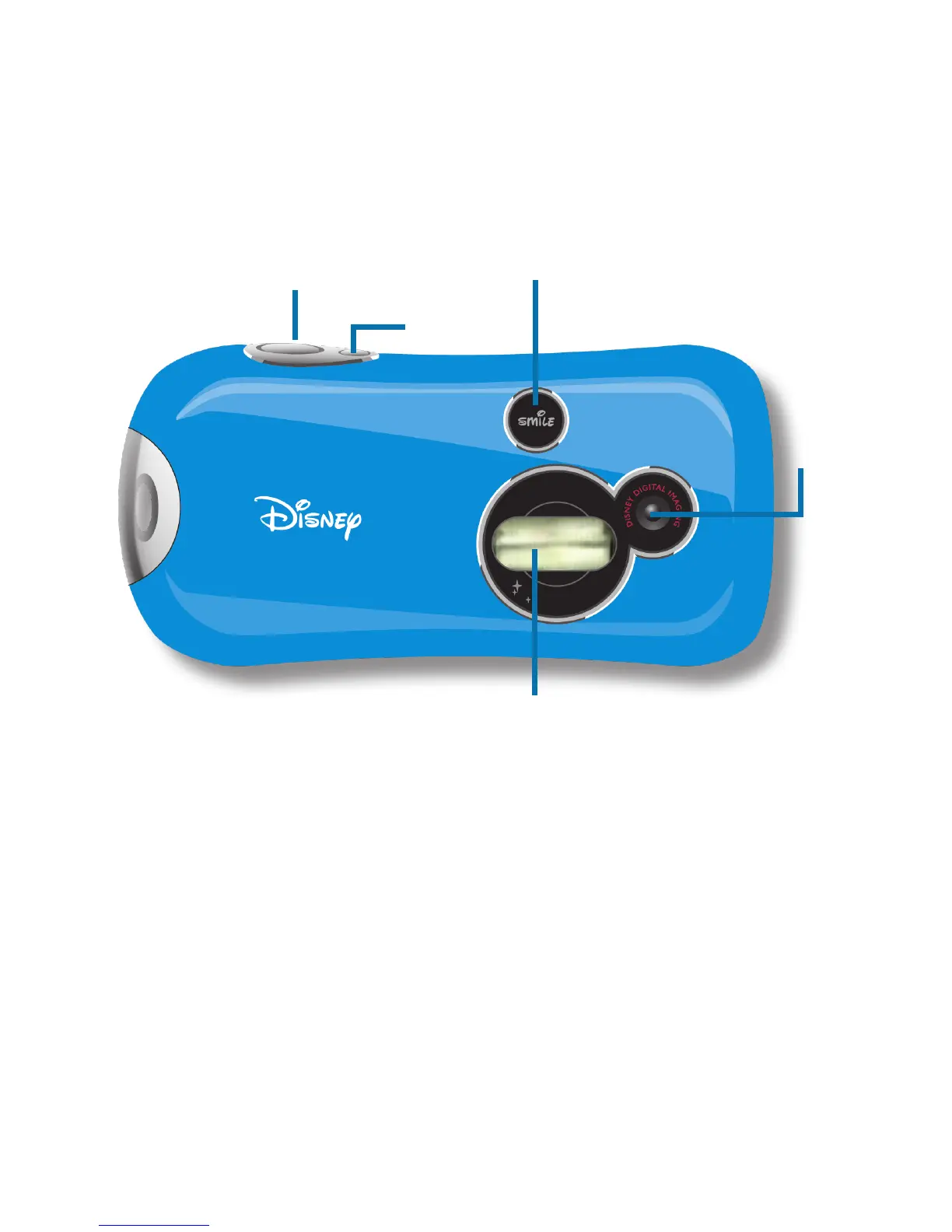
Camera Components
Power Button - press the Power button to turn the camera on and off.
Snapshot Button - Use the Snapshot button to take digital images.
LED Status - Flashes to let you know when you have successfully taken a picture.
Camera Lens - Make sure to keep the camera lens clean and clear when
capturing images. Be sure not to black the lens with your nger!
Flash - Use the Flash in low light situations or to highlight the subject of your photo.
Snapshot Button
Power
Button
LED Status
Camera Lens
Flash
3


 To Next Page