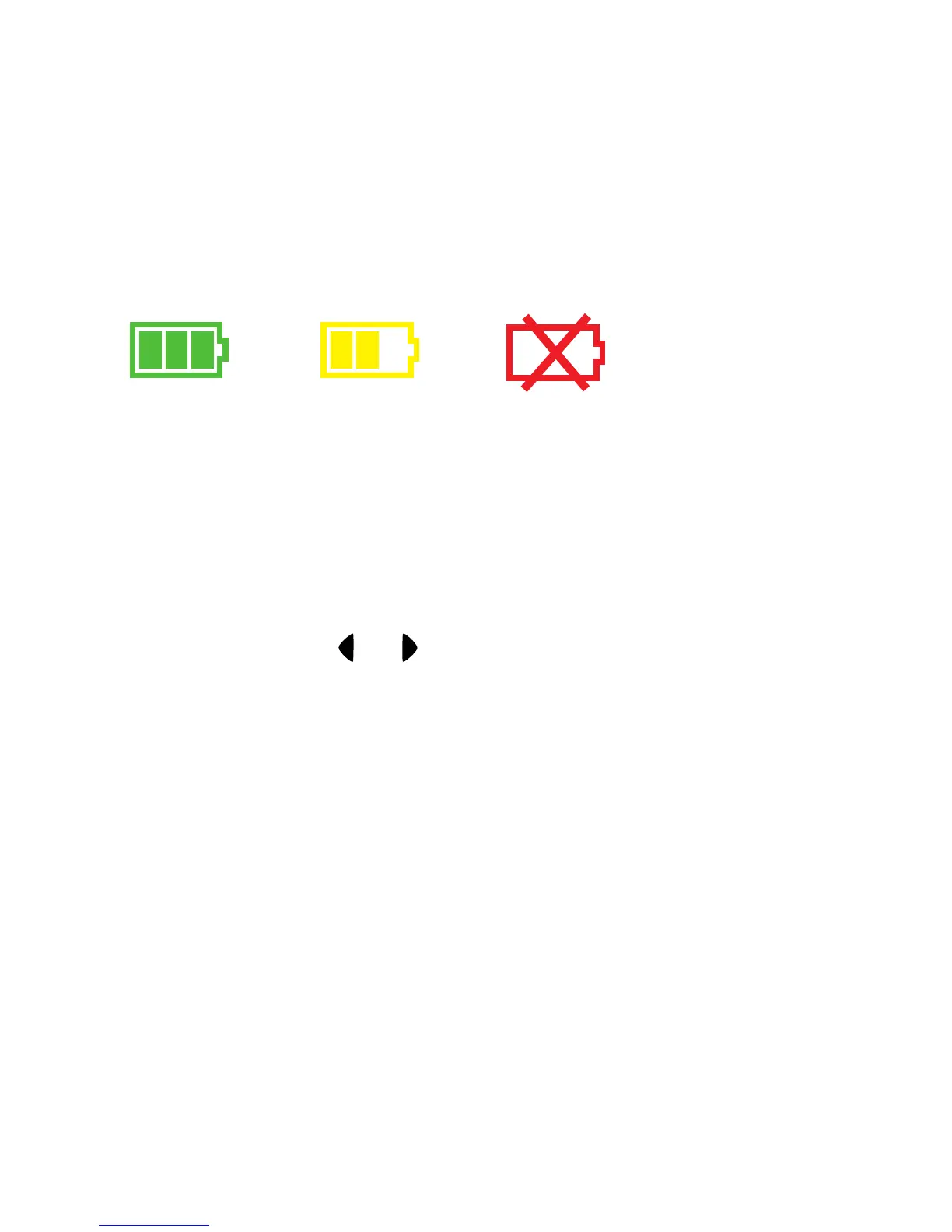
Battery Status - Shows how much battery life the camera has left. When the low
battery image appears, make sure to change your batteries immediately. The
camera will automatically shut down when the batteries are low.
Full = Half = Low =
Camera Modes
Your camera has two modes, Preview and Playback.
Preview mode - The camera will be in Preview Mode when it is turned on. Preview
Mode is used to view your subject when taking pictures.
Playback mode - This mode can be used to review or delete pictures in your
camera’s memory by using and to scroll through your pictures.
7


 To Next Page