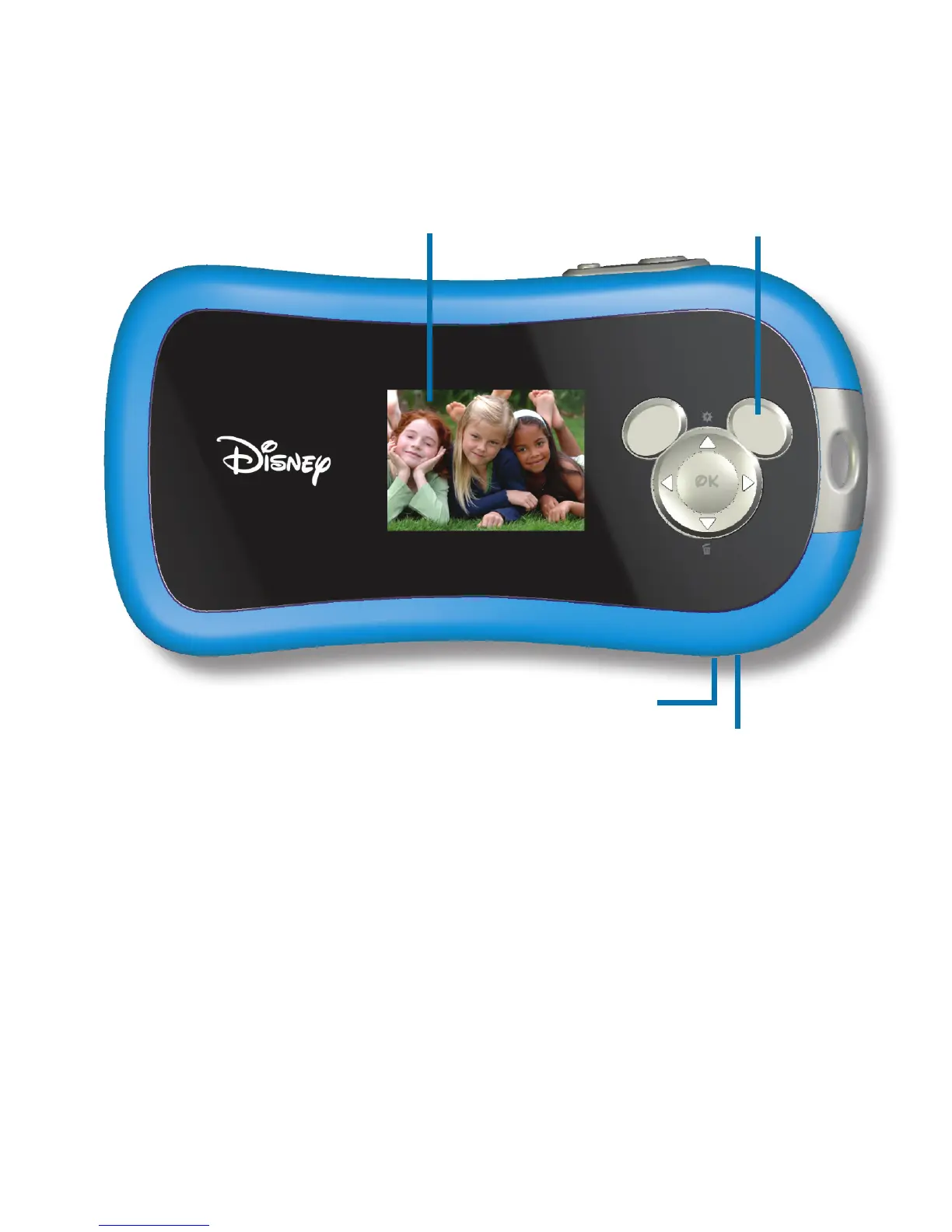
Display Screen - Use the Display Screen to preview the image you are going to
take, review images you have taken, and to view your camera settings.
USB Connection - Connects the camera to your computer. Use the USB cable when
you are ready to download your images.
USB Interface Cover - Covers the USB connection and the lever that allows you to
remove the faceplate and change the batteries.
Navigation Pad
Display Screen
USB Connection
(under cover)
USB Interface Cover
4


 To Next Page