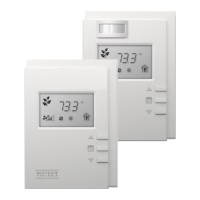
10 Allure UNITOUCH™
Technician Mode
Technician mode allows a user with admin access to adjust the subnet ID settings directly from the
UNITOUCH itself. Each UNITOUCH and EC-Multi-Sensor-BLE must have a unique subnet ID to func-
tion correctly on the subnet.
If there are two conflicting devices on the same subnet, or if the UNITOUCH subnet does not match
the assigned subnet in EC-
gfx
Program, you will be presented with a communication error screen. If
this is the case, please consult the UNITOUCH Installation Guide for more information.
Main Menu



 To Next Page