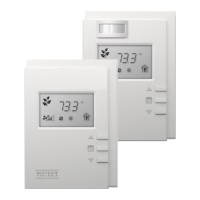
9Allure UNITOUCH™
Settings
From the settings menu, a user can choose which units to display, the color theme, adjust the screen-
saver timeout, and toggle the wake-up sensor. The current language is displayed here also.
Item Description
Language Indicates the display language used. The language can be changed using EC-
gfx
Program.
Units Toggle the display units between Celsius and Fahrenheit.
Screen saver
timeout
Indicates the amount of time before the screen times out and shuts off.
Color theme Toggle between black or white color themes.
Wake-up sensor
Toggles the proximity wake up sensor. The UNITOUCH has a proximity sensor of about 10 cm (4”) to
detect hand movement which will activate the screen.
Advanced settings Advanced settings are not currently used.
Main Menu



 To Next Page