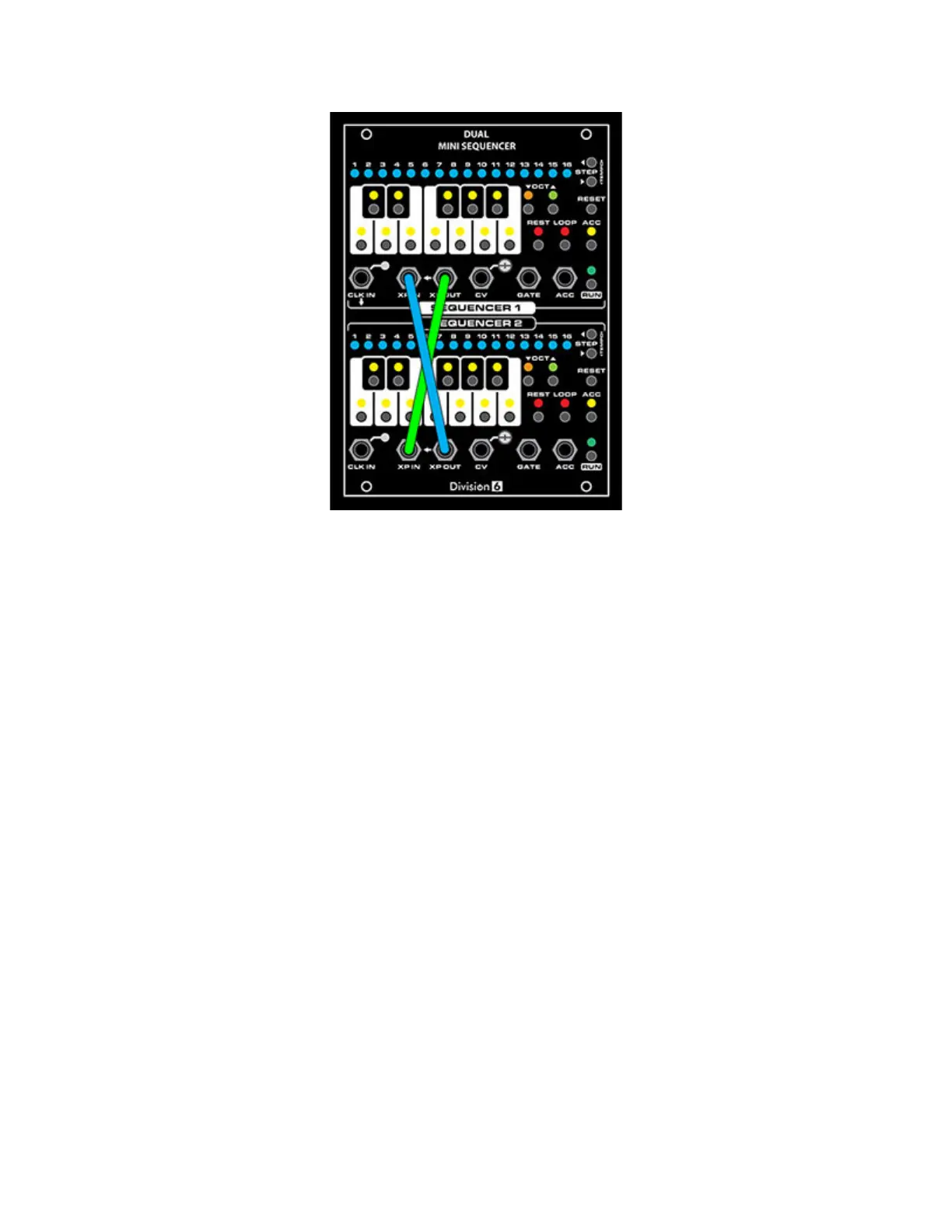
Of course, if you have more sequencers (or even other devices), you can daisy-chain as many as
you want.
Calibration
You can use the trim pot next to each CV OUT jack to calibrate the sequencers to 1 volt per
octave.
Procedure:
• Connect a voltmeter to the CV OUT jack of the sequencer you want to calibrate
• Press RESET to make sure the sequencer is in Ready or Program mode (either will work)
• Press the OCTAVE UP button a few times to set the keyboard to the highest octave
(OCTAVE UP LED on steady)
• Press the NOTE C button
• Adjust the trim pot until the meter reads as close to 4.000V as you can get it
• Check the C notes on the lower octaves by pressing the OCTAVE DOWN then NOTE C
buttons. Each one should be an even voltage. If not, adjust the trim pot until they are as
close as possible


 To Next Page