DivX 10
24
DivX, LLC User Guide
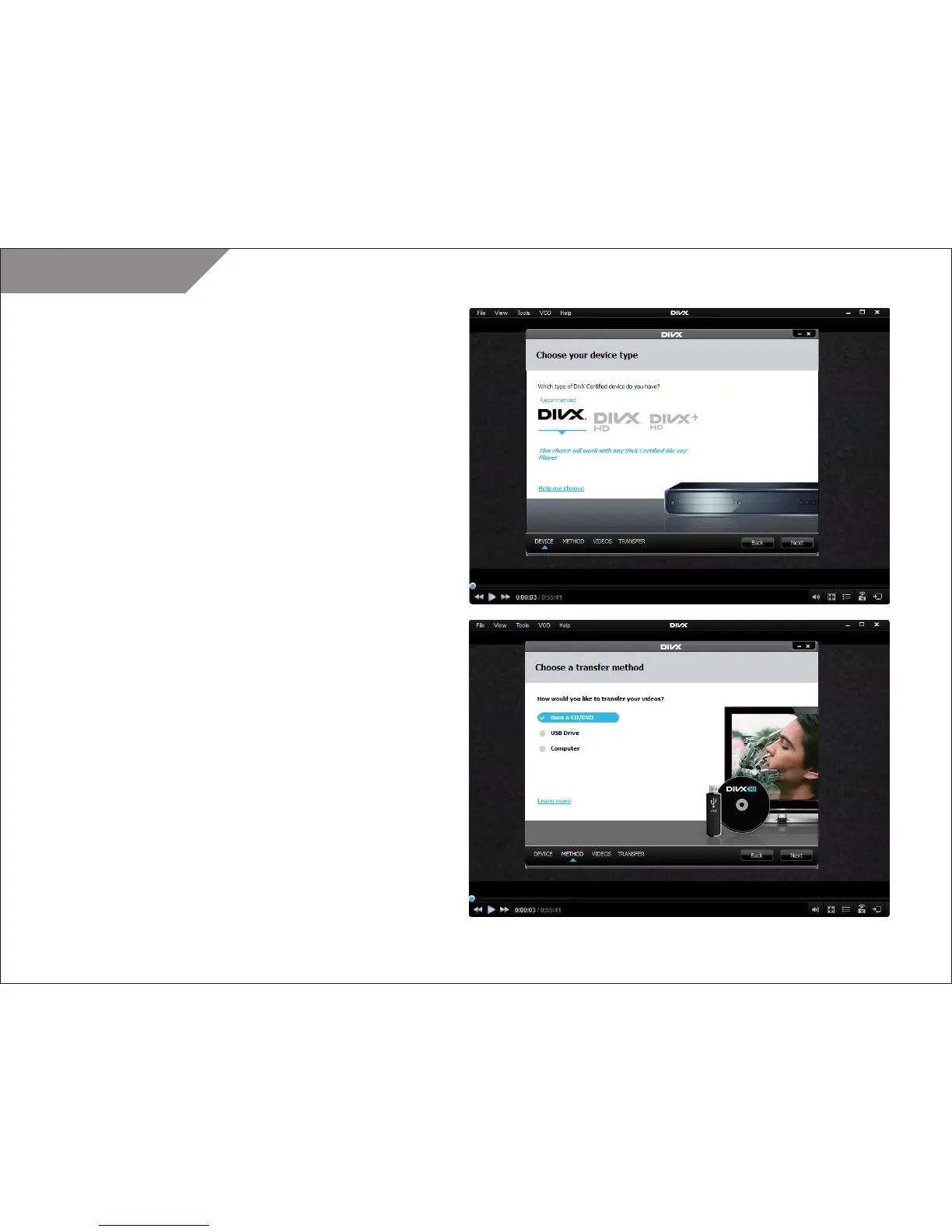
STEP 4
Choose the type of DivX device you have:
• DivX: this is the default and recommended profile if you are
not sure which type of device you have. A DivX Certified device
supports standard definition DivX files (.avi or .divx up to 576p)
• DivX HD: A DivX HD Certified device supports high definition
DivX files (.avi or .divx up to 1080p)
• DivX Plus HD: A DivX Plus HD Certified device supports high
definition DivX or DivX Plus HD files (.avi, .divx, or .mkv up
to 1080p).
TIP: Learn more about DivX Certification and how to know if your
device is certified.
NOTE: If your file is not in the correct format for your device it will
be converted before it is transferred.
STEP 5
Select how you would like to transfer videos to your device:
• Burn to CD or DVD
• Copy to a USB storage device
• Save to your computer



 To Next Page