DivX 10
25
DivX, LLC User Guide
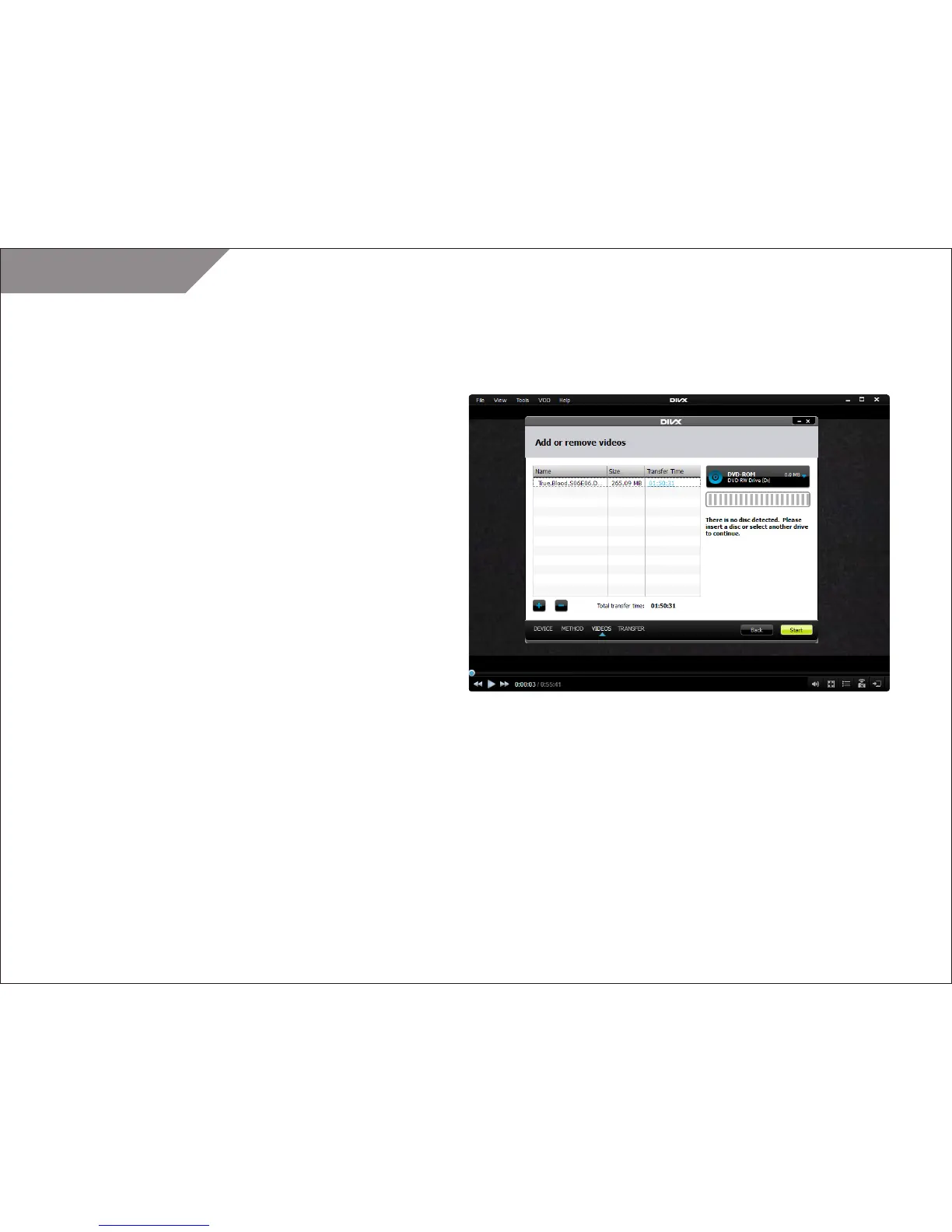
STEP 6
Insert a disc or USB into your computer if you have not done
so already
STEP 7
Add/delete video files you want to transfer. Or, if there is a video
loaded in your player or you dragged and dropped on on the
device pane, it will already appear in the list.
STEP 8
Click “Start”
When the transfer is complete, simply insert your CD, DVD or
USB into your DivX Certified device, and select the title you want
to view and select play.
Once you complete a transfer for your device, all your DivX
To Go settings will be remembered the next time you transfer
a video.



 To Next Page