DivX 10
23
DivX, LLC User Guide
DivX To Go: An Easier Way to Transfer Your Movies
Player includes DivX To Go, which allows you to automatically
format videos to play on any DivX Certified® device. You can easily
transfer your movies, TV shows or home videos to your DVD player,
PlayStation3® and more by easily burning a disc or saving to a USB
or a place on your computer.
DivX To Go features:
• Automatically prepares your videos to play beyond your computer
• Ensures your videos are formatted properly to play on
DivX devices
• Saves your preferences for easy transferring
Method 1
To transfer your video files to your DivX Certified device using DivX
To Go, follow these steps
STEP 1
Click on the Device Pane button to open the Device Pane
(if it’s not already open)
STEP 2
Click on the icon for the device to which you want to transfer your
video files. Or drag and drop videos from your Video Library—or
from anywhere on your computer—onto the device icon
STEP 3
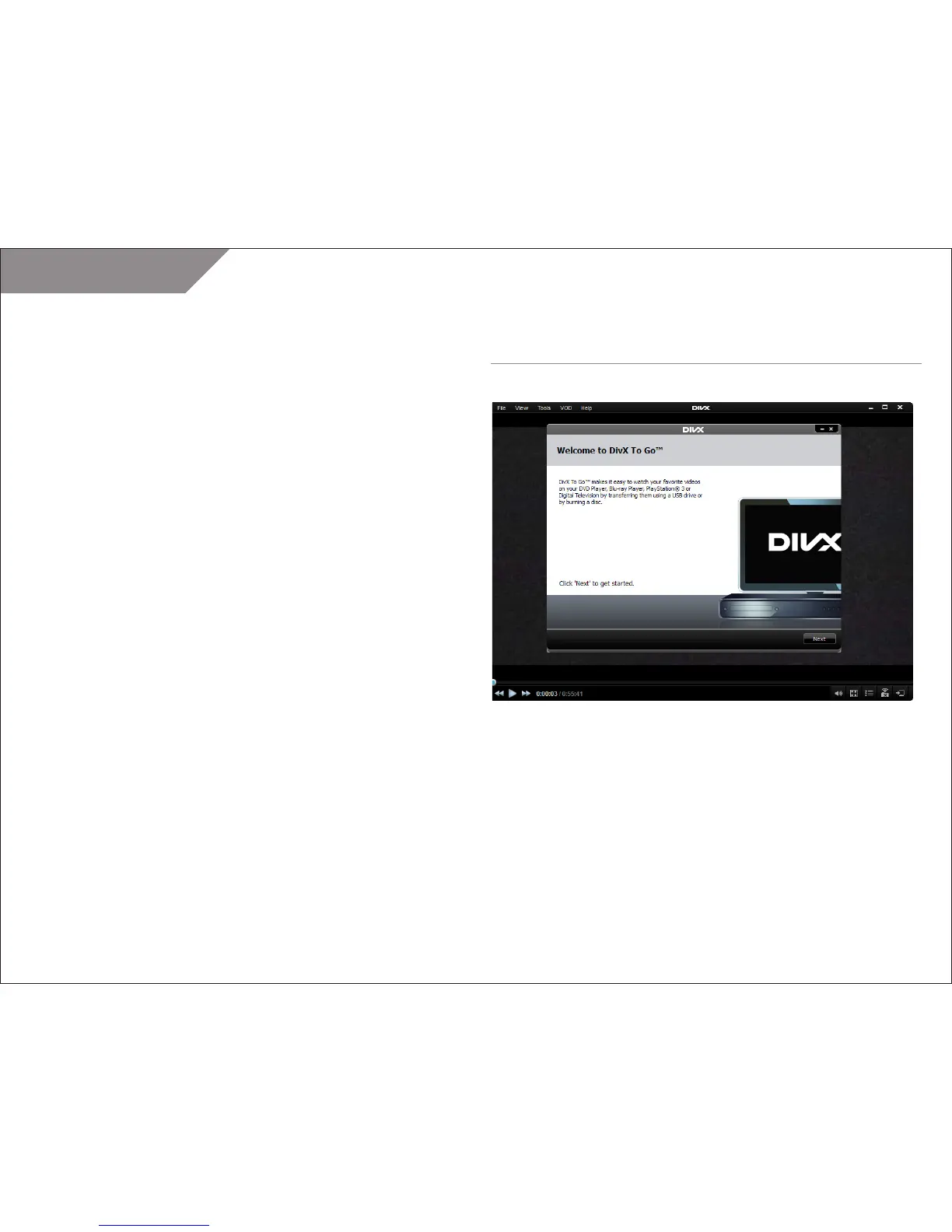
DivX To Go will launch. Click “Next” on the Welcome screen.
DIVX TO GO



 To Next Page