DivX 10
26
DivX, LLC User Guide
Method 2
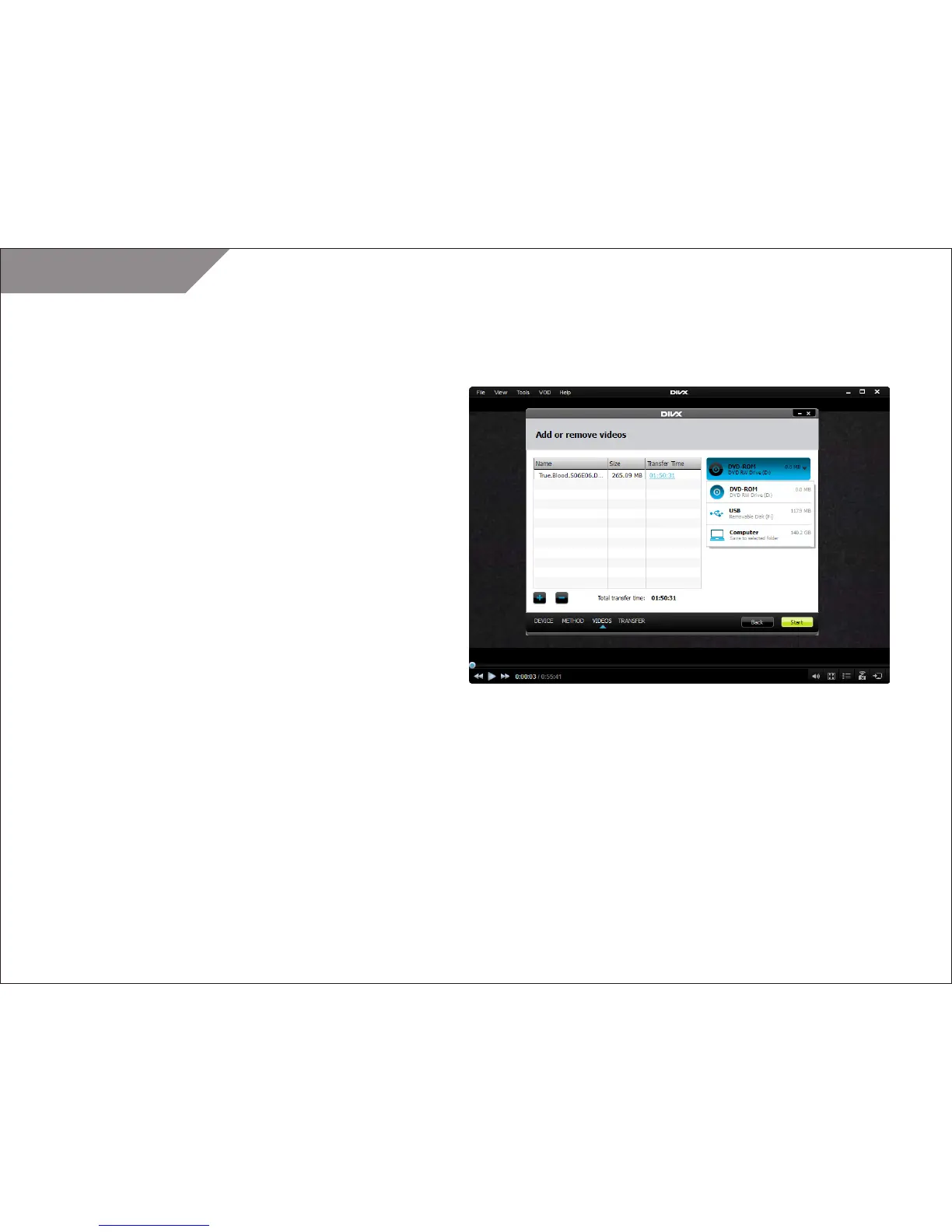
Alternatively, you can open the TOOLS menu and select “Transfer
files to device.” You will need to choose the device on which you
want to play your DivX file: DVD Player, Blu-Ray Player, PS3, or TV.
STEP 1
The Add/Remove Videos window will open. You can add files by
clicking on the [+] button in the lower left corner.
STEP 2
Once you add your video files, click “Start” to begin transferring
your files.



 To Next Page