Version 1.05
Hardware version 1.05
09/20/2023
FLYSAFE-M30
INSTRUCTIONS FOR USE
PROPER FUNCTIONING TEST
Before each flight, you must check all the elements constituting the system and verify its integrity. If an anomaly is
noted, do not proceed with the theft and contact your dealer.
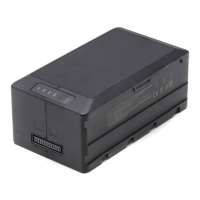
• The buzzer continues to sound as long as the TB60 batteries are in place (allows you to find your drone).
• Unlock
and remove the TB60 batteries: The system
will remain powered for approximately one minute and the buzzer will stop. • Turn off both
radio controls.
Test for proper operation on the ground:
• Make sure the entire drone system is powered off. TB60 battery disengaged. •
Remove the
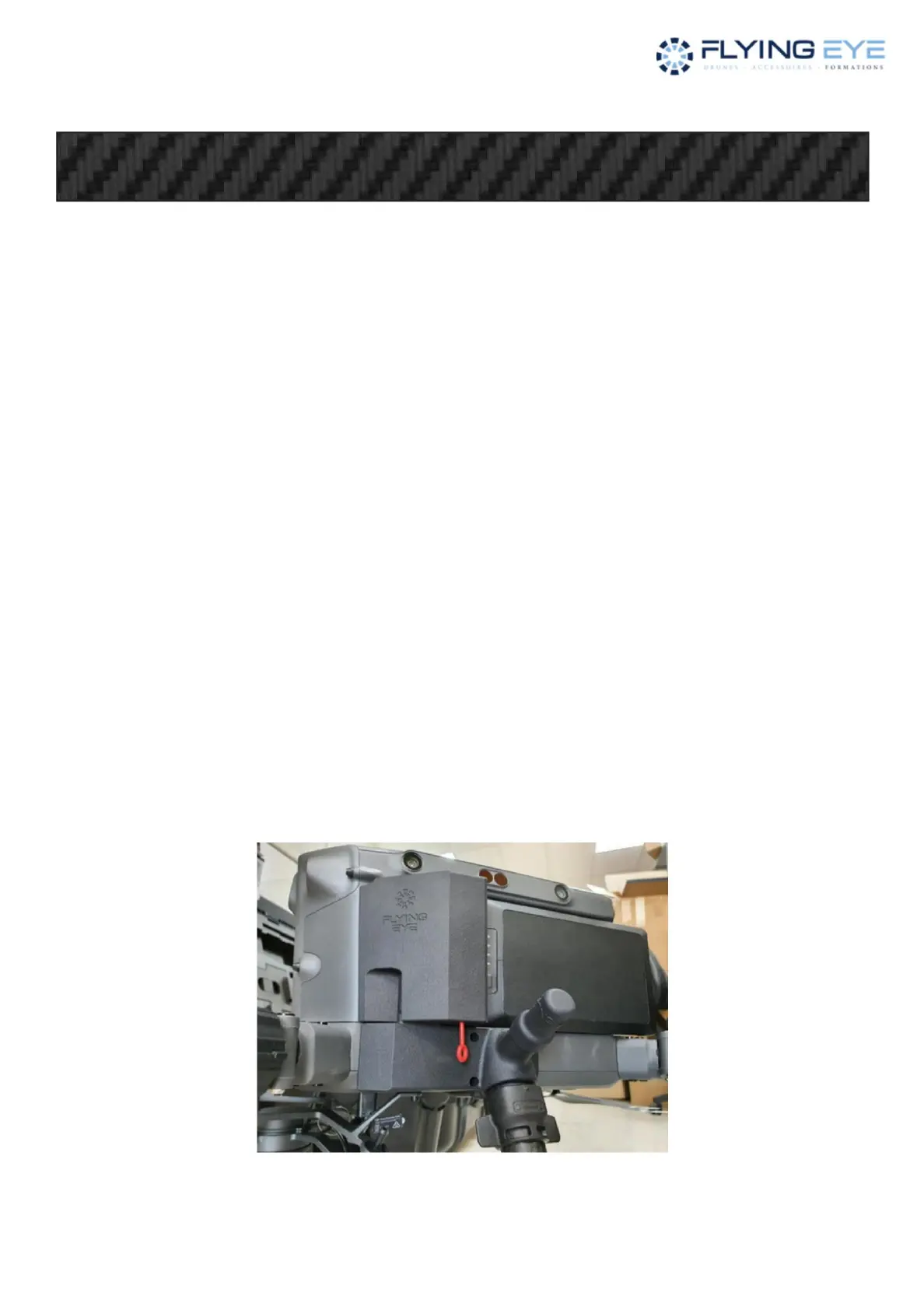
“parachute” pods by unscrewing them. • Remove
the 2 pyrotechnic charges. • Place the 2
test LEDs in place of the loads • Place the 2 TB60 batteries and lock.
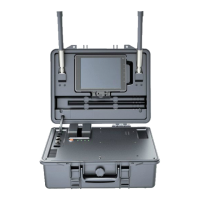
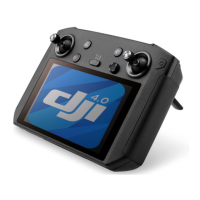
• Turn on the drone's radio control. • Turn on the
“parachute” radio control. • Turn on the
drone, LED 4 of the “parachute” radio control
goes out. • Remove the safety pin, LED 1 goes out. • Start the drone's motors.
• Activate the “parachute” system by pressing the 2
“FIRE” buttons: • The four motors stop.
The four red lights on the “parachute” radio control flash or the symbol appears on version 1.05 (LCD screen).
Safety pin in place
The two test LEDs light up red or green for 2 seconds.
The 110dB buzzer sounds.
Machine Translated by Google


 To Next Page