09/20/2023
INSTRUCTIONS FOR USE
PARACHUTE RADIO CONTROL MOUNTING
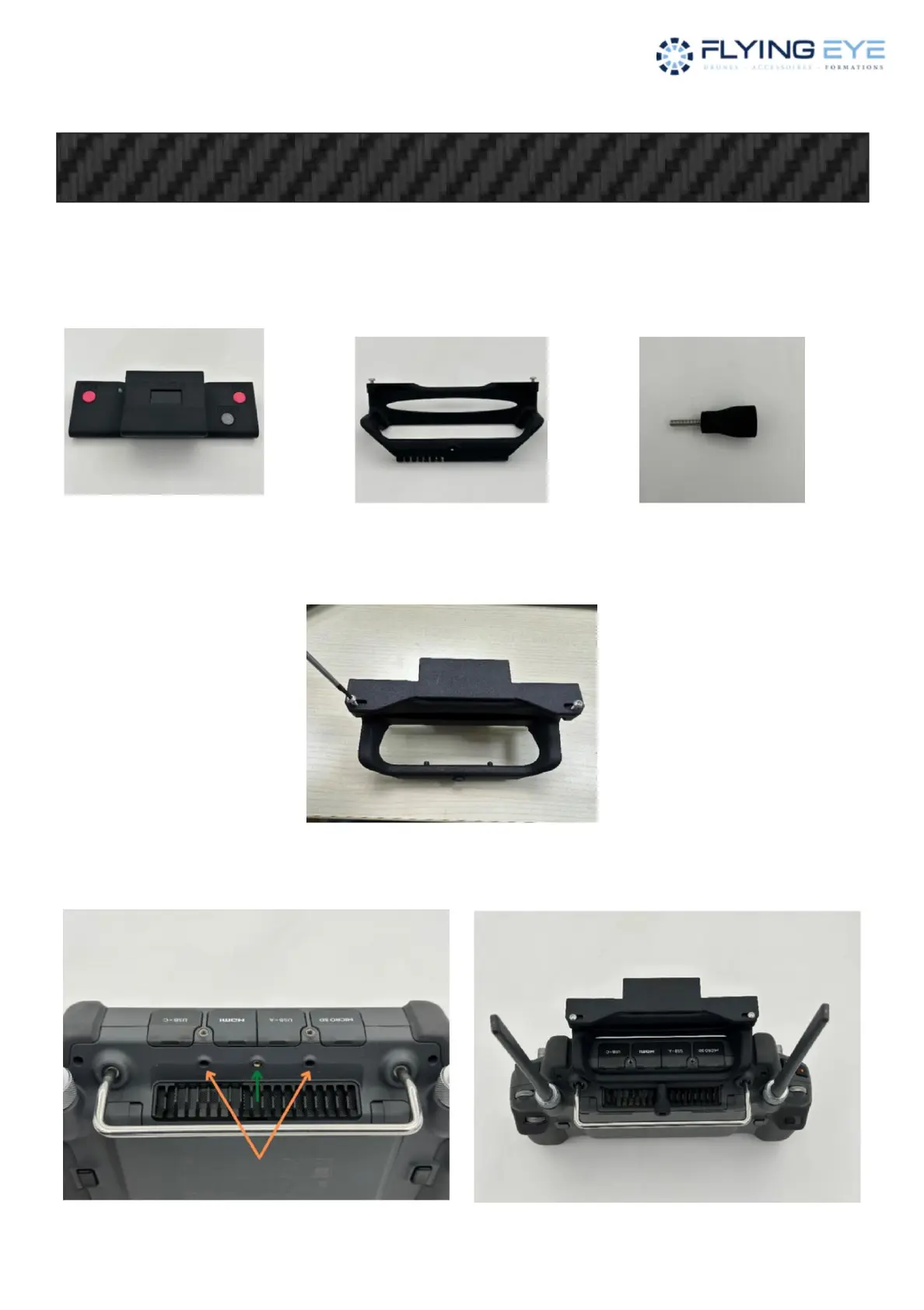
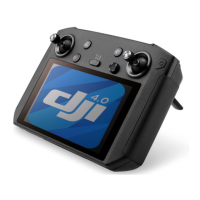
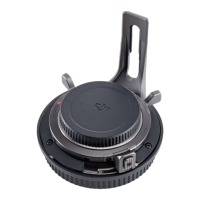
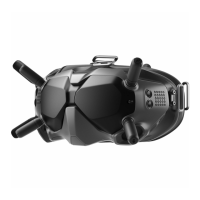
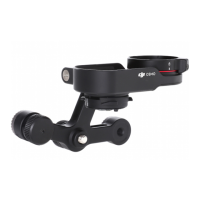
Take the following 3 pieces (as well as the M30 radio control):
Insert the RC support on the parachute radio control and screw in the 2 small screws using an allen
key (supplied with the M30) as below:
Then attach everything to the M30 radio control by inserting the 2 small pins of the RC support into the 2
holes (orange arrows) and then insert the screw of the support into the screw thread of the M30 radio
control (green arrow) as follows below:
Radio Control Parachute RC Bracket Support Screw
FLYSAFE-M350
Version 1.1
Hardware version 1.04
OPERATING MODE
Machine Translated by Google


 To Next Page