16
www.dkn-uk.com www.dkn-uk.com
17
Safety Key
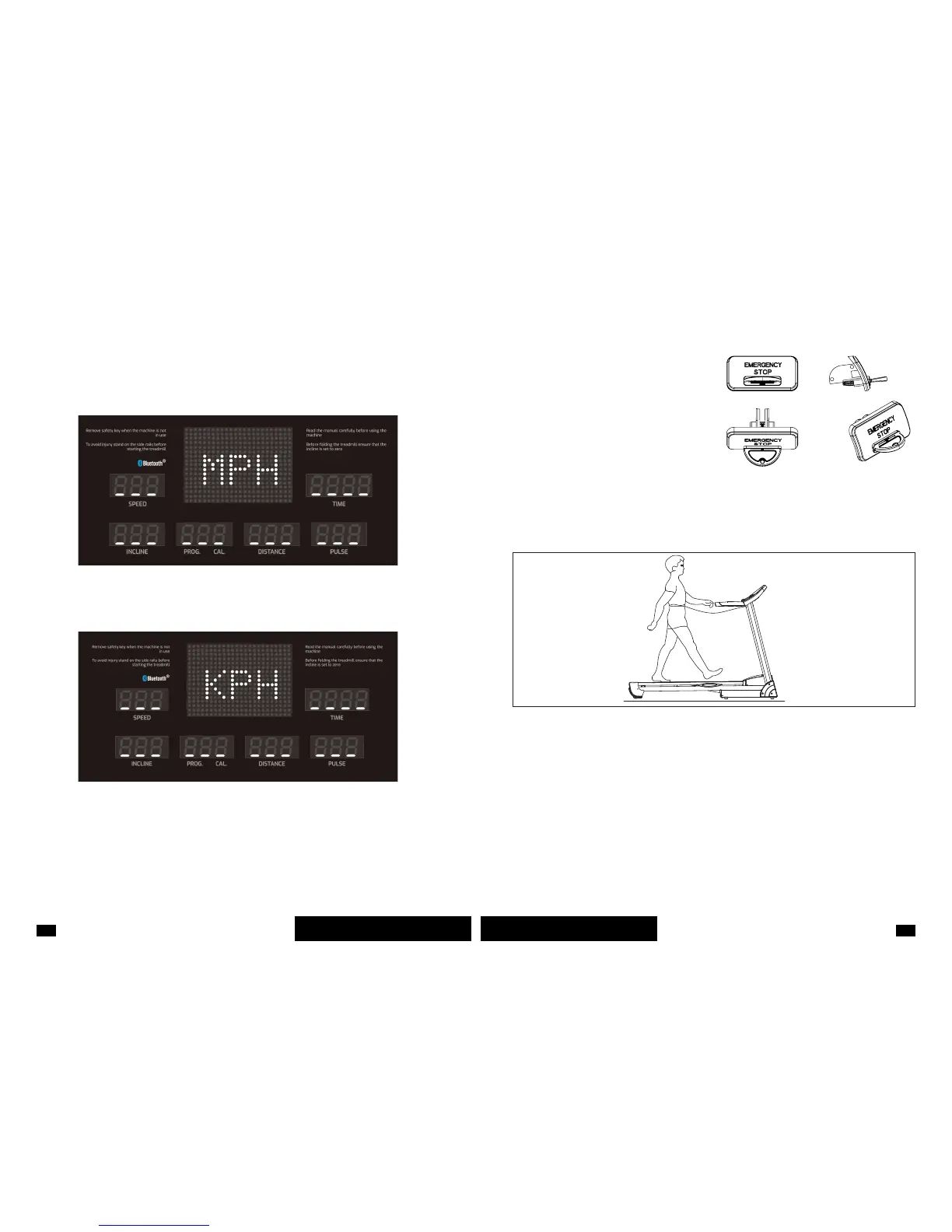
MPH: When the window shows this display, the measurement system has successfully
been switched from metric to imperial. Once conrmed, put the safety key back and the treadmill
will return to standby mode.
KPH: When the window shows this display, the measurement system has successfully been
switched from imperial to metric. Once conrmed, put the safety key back and the treadmill will
return to standby mode. When changing from Metric (KPH) to Imperial (MPH) units, the values
shown on the LED display both for speed and distance will change accordingly, and will be
rounded up to one decimal. (1mph=1.6km).
The treadmill has a safety key on the console
and won’t work if the key is not in place. Attach
the key to both the console and yourself before
starting to exercise. (as per picture below)
In case of emergency, the key can be pulled
from the console whilst the belt is moving and
the treadmill will stop immediately followed by
a 3-beep alarm sound (the console will display
“Safety Key Disconnected”). When the safety
key is put back into position, the console will
display all functions for 2 seconds and then
reset all data to zero.
Personalising The Units
To switch between metric and imperial measurements make sure the treadmill is in standby
mode and remove the safety key. Then, simultaneously press PROG. and MODE keys for 3
seconds until you see the following displays:



 To Next Page