(F1), Age (F2), Height (F3) and Weight (F4)
information. Press the SPEED +/- buttons to
adjust the values. After you’ve completed the
last adjustment the window will display F5 and
you can begin the test.
Interpreting The Body Fat Index
Table
The body fat index is used to determine the
relationship between height and weight. The
ideal reading should be between 20-25.
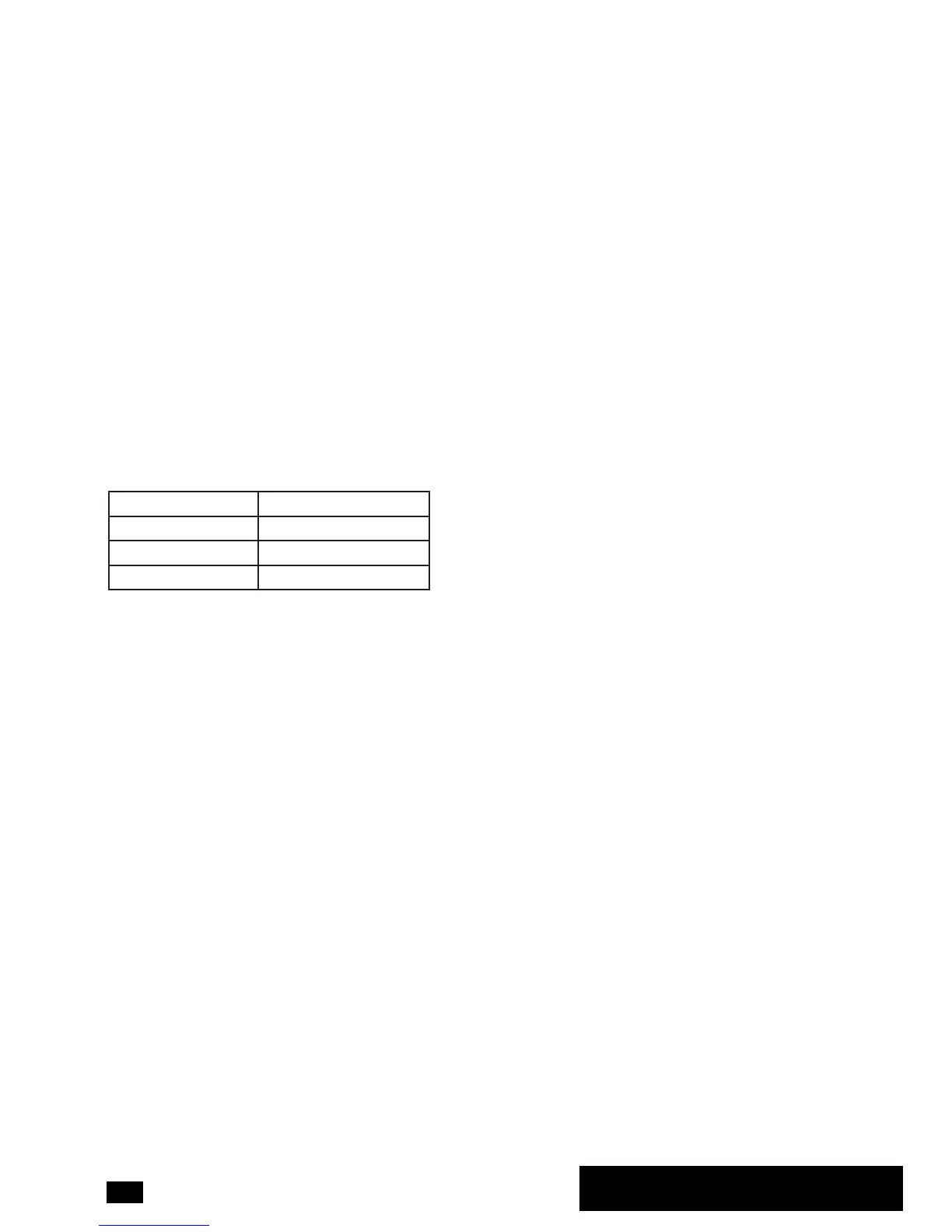
19 or lower Under Weight
20 – 25 Normal Weight
26 – 29 Over Weight
30 or higher Obese
(The data provided is just for reference
and cannot be used for medical purposes)
Bluetooth App Function
Turn on the Bluetooth function on the treadmill
by pressing the button when it is in standby
mode. The Bluetooth icon on the console will
start to ash. When Bluetooth is connected
successfully with your tablet or smartphone,
the Bluetooth icon will stop ashing and the
light will stay on.
Check the DKN website for more information
about which apps and devices the EzRun is
compatible with. Download the app, open it on
your device and follow the steps to set it up.
Press START to start the treadmill and begin
your workout. If you turn the Bluetooth off or if
signal is lost, the treadmill will slow down and
the console will display all functions as zero.


 To Next Page