- 11 -
AUX IN
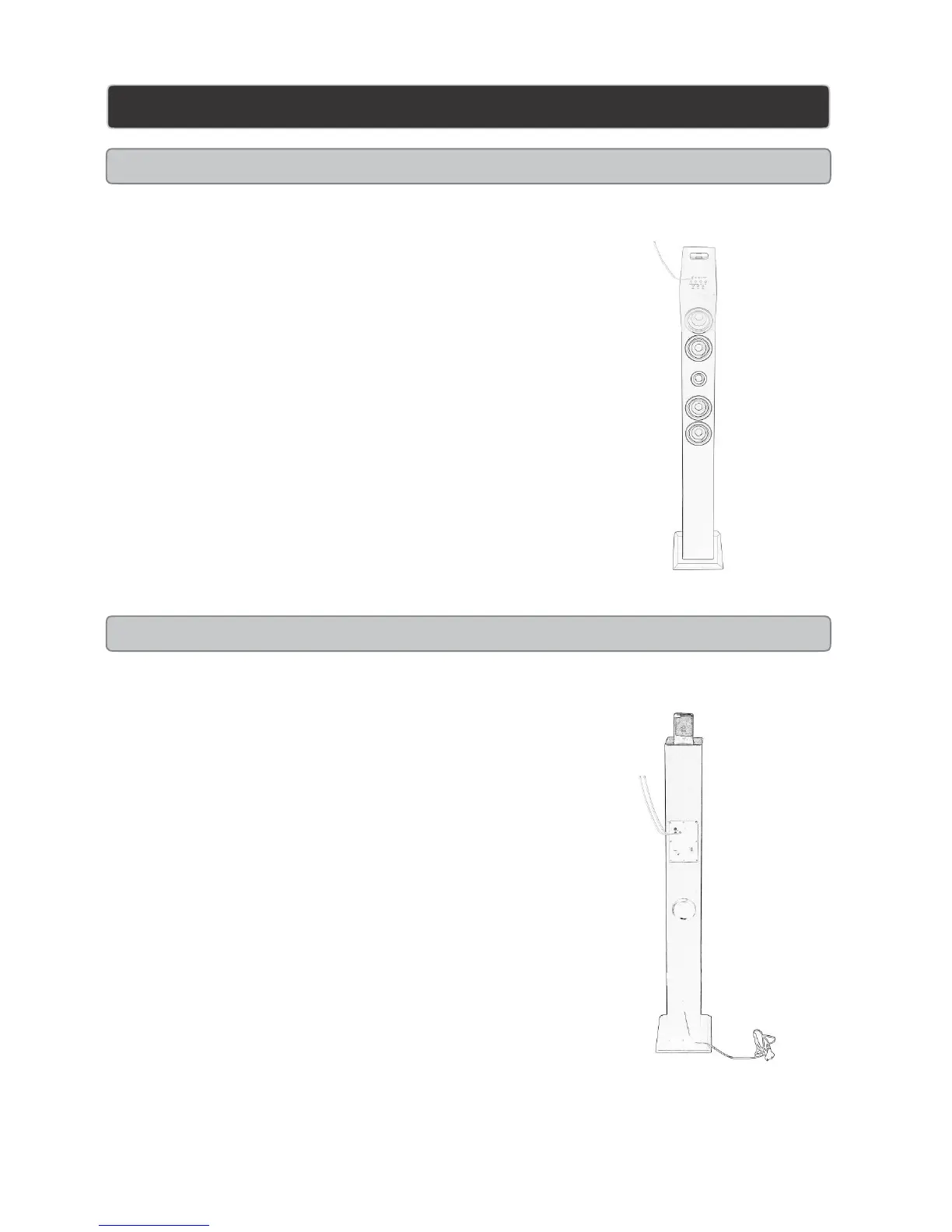
AUX-IN 1 (Line in Type)
Requires an 3.5mm cable (not included)
1. Connect an 3.5mm cable to Aux-in 1 jack. Connect the other
end of 3.5mm cable to an MP3 player or other audio source.
2. Press the power button to turn the unit on..
3. Press the function button to switch to Aux-in 1 mode. (Aux
button on the remote by pressing one time).
4. Use the native controls on the connected device to begin
playing audio routed through the unit.
AUX-IN 2 (Auxiliary input RCA type)
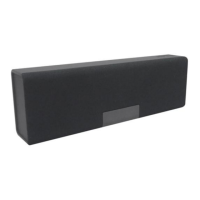
Aux in
Aux in 2
Requires an RCA cable (not included)
1 Connect an RCA cable to AUXILIARY INPUT. Connect
the other end of the RCA cable to the audio outputs on a
DVD player, stereo system, gaming system , television
ect.
2 Press the POWER button to the unit on.
3 Press the FUNCTION button switch to Aux-in 2 mode
( Aux-in button on remote by pressing twice).
4 Use the native controls on the connected device to begin
playing audio routed through the unit


 To Next Page