- 8 -
SETUP
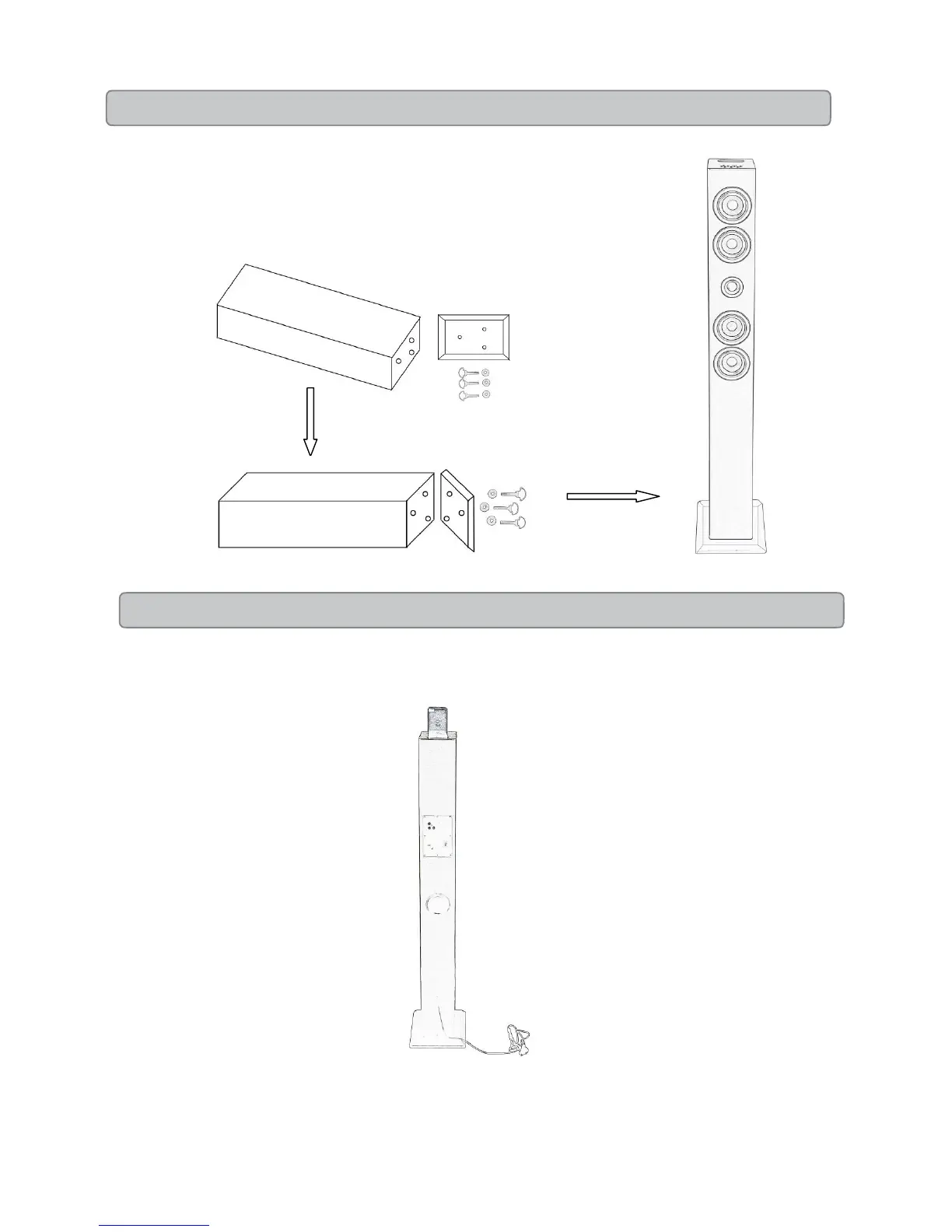
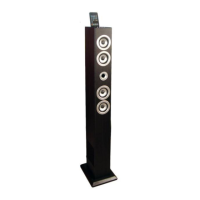
1. Take out the tower body and tower base carefully from the box.
2. Take out the accessories of 3pcs screws with ring handle and 3pcs metal gasket.
3. Fit the base with the body with the 2 holes.
4. Screw the base into the body by hands with the 3pcs screws and fold the ring handle.
5. Put the tower standing on the floor. Then ready now.
POWER
Plug the attached AC cord into a standard AC power outlet to the power of Tower


 To Next Page