Instructions for installation, setup and operation - FP9000L-2/4/6/8
Page 6 of 16
When in Disabled component / line or controllable output / a steady yellow
light will light up.
Illuminates with steady yellow light at short or interruption of output devices
power supply line
Continuous yellow light at preset delay of connected outputs
Indicator to the button "BUZZER SILENCE", in suppressing local telltale, a
steady red light will light up.
Indicator to the button "SOUND SILENCE", when suppressing Fire outputs, a
steady red light will light up.
Indicator to visualize the level of access. If the lights have access level 2. If no
lights Access Level 1.
Indicator case of damage grounded conductor.
“1 2”
“1 2 3 4”
“1 2 3 4 5 6”
“1 2 3 4 5 6 7 8”
Individual indicators for Fire and line failure - Fire is lit with red light,
fault lights up with yellow light. When disabled and line test there is an
indication of the respective condition.
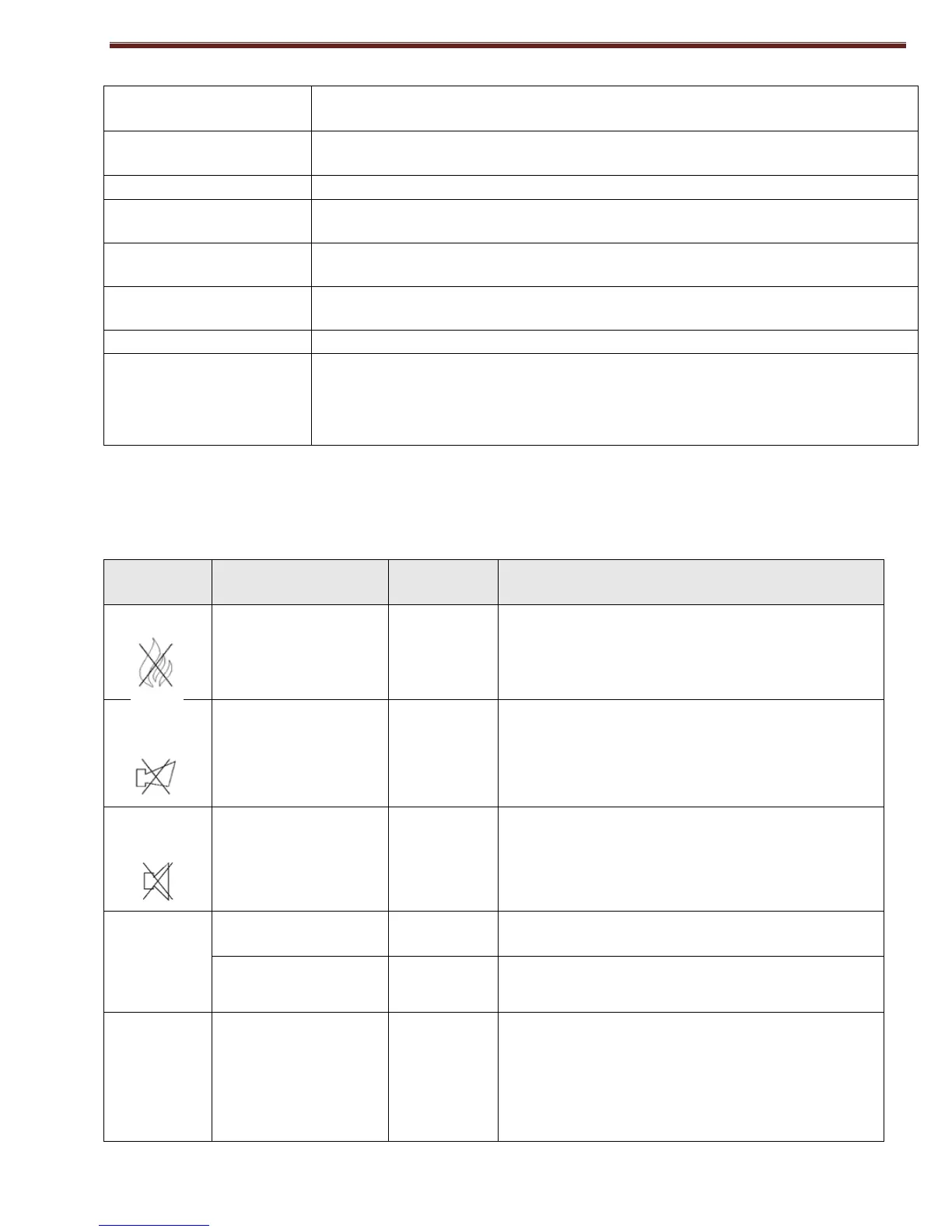
BUTTONS
Действие на органа за управление
Exit from Fire condition.
Where activated outputs for Fire - silence of the
same outputs.
Suppression / activation of the local sounder
Test LED indicators and sound indicator.
Confirmation of lines and outputs to test and
disable
Information and
management
Keyboard entry mode:
- Changing the access level;
- Disable mode;
- Test mode.
Choice of line or controllable output in test and
disable.



 To Next Page