General Operation
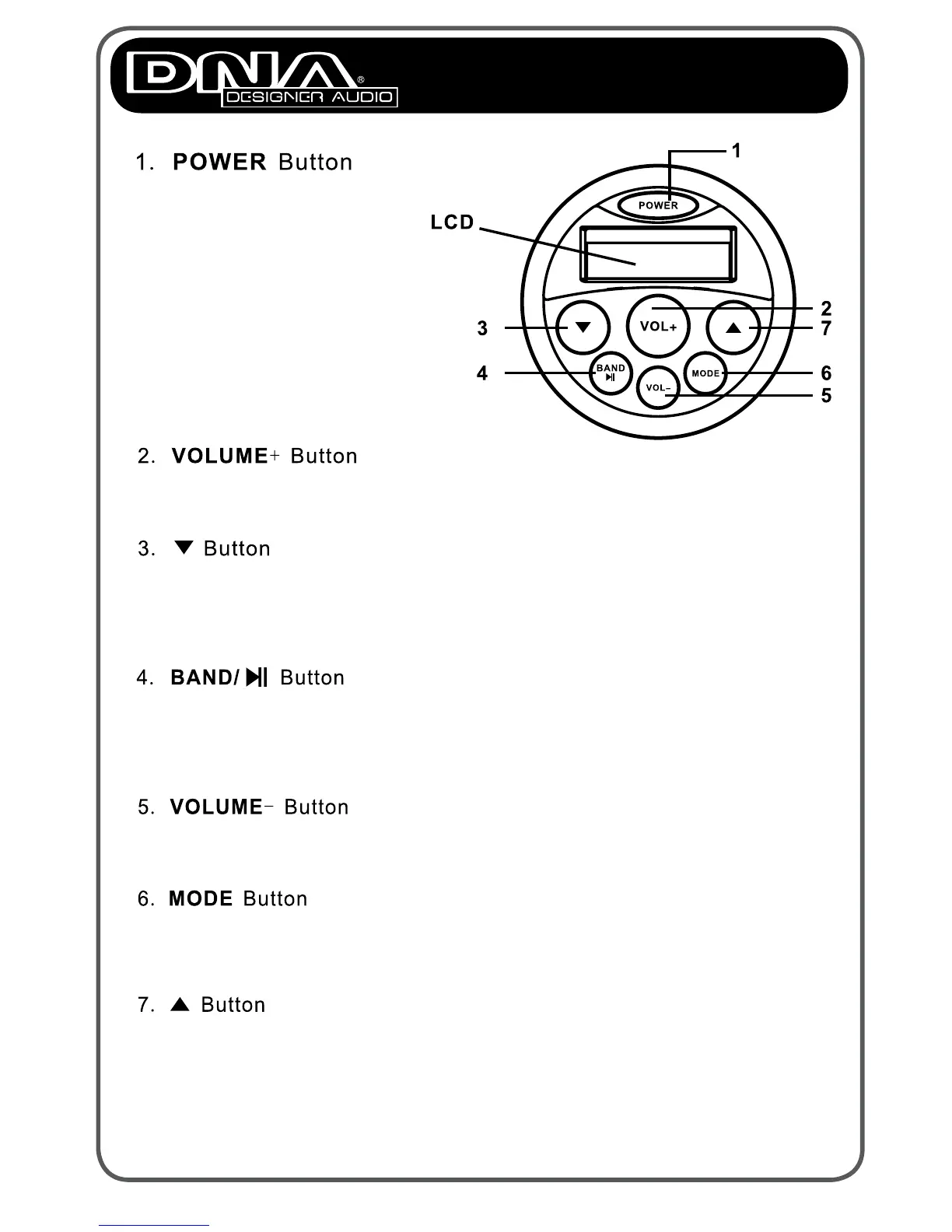
Press this button to play next track or a next AM/FM step. In AM/FM
mode, press and hold this button to search next strong signal station.
Press MODE to switch between AM/FM, USB and AUX IN.
Pause/Radio switch button: When listening to radio, pushing this
button will select AM or FM band.
When MP3 is playing, pushing this button will pause the unit.
Press this button to decrease the volume.
Press this button to play previous track or previous AM/FM step.In
AM/FM mode, press and hold this button to search previous strong
signal station.
Press this button to increase the volume.
Press this power button to turn
the unit on or off.
Short press the power button
to mute.
Long press the power button
to turn the unit off.


 To Next Page