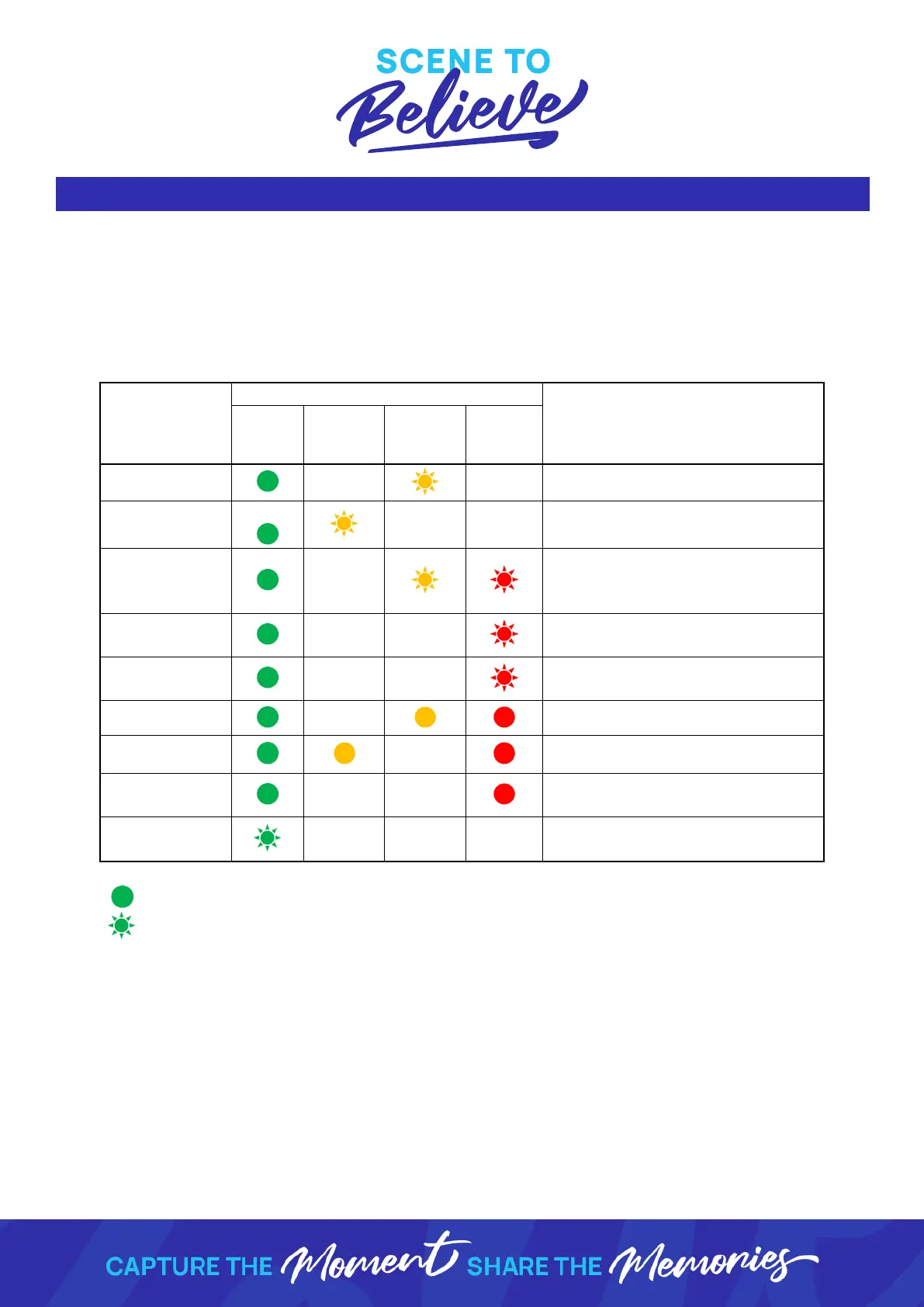
Other than media changes, the 3 most likely errors on a DS40 printer are either paper
or ribbon jams or dirt/dust getting into the mechanism. Each of these errors can be
corrected on set, quickly & easily without any intervention from tech support. Below is
a guide for how to identify the errors you may experience & the possible solutions:
Replace paper roll (and ribbon)
Replace ribbon (and paper roll)
Ensure the paper properly is
properly set & the paper/ribbon
access panel door is closed
Ensure the paper/ribbon access
panel door is closed
Ensure the scrap box is in place
correctly
Check for a paper jam & remove
Remove the ribbon tray & re-set
Turn the printer on & off. If this
does not re-set call tech support
Allow the printer to cool down.
This will auto-recover when ready
Indicates light is lit/solid
Indicates light is flashing



 To Next Page