EasyManua.ls Logo

DNP DS40 - Connecting Power and Computer

DNP DS40
31 pages
Print Icon
To Next Page IconTo Next Page

To Previous Page IconTo Previous Page
Loading...
16
S
S
e
e
t
t
t
t
i
i
n
n
g
g
U
U
p
p
t
t
h
h
e
e
P
P
r
r
i
i
n
n
t
t
e
e
r
r
C
C
o
o
n
n
n
n
e
e
c
c
t
t
i
i
n
n
g
g
t
t
h
h
e
e
P
P
o
o
w
w
e
e
r
r
C
C
o
o
r
r
d
d
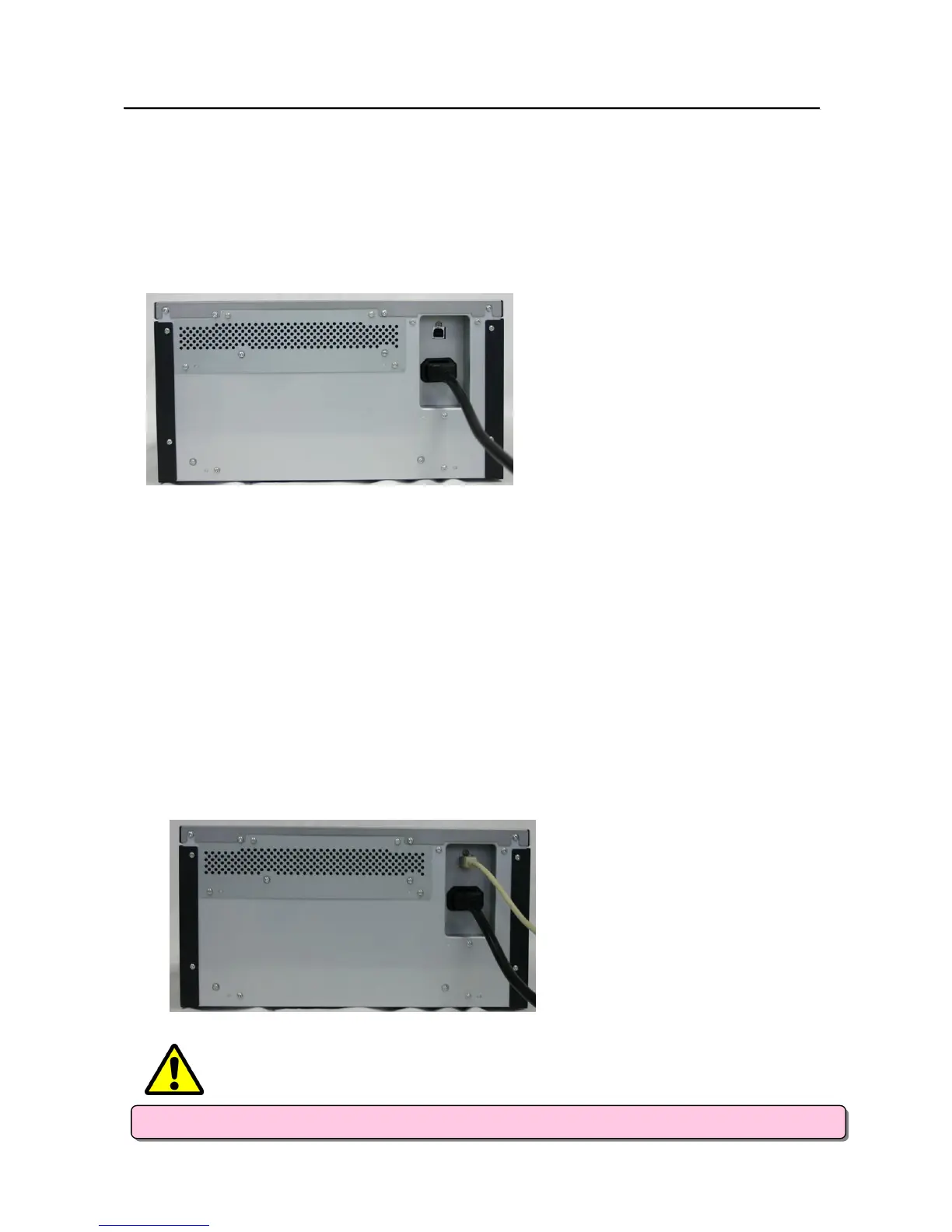
1. Make sure that the printer’s power switch is set to the OFF position.
2. Plug the cord connector end into the printer Power Plug Socket.
3. Plug the cord into the wall outlet.
C
C
o
o
n
n
n
n
e
e
c
c
t
t
i
i
n
n
g
g
t
t
o
o
t
t
h
h
e
e
C
C
o
o
m
m
p
p
u
u
t
t
e
e
r
r
1. Make sure that both the printer and computer power switches are set to the OFF position.
2. Connect the USB cable to the printer and the computer.
3. Turn on the power.
- Please use the
p
ower cable that came with the
p
rinter
,
and be sure to attach the
g
round wire.
CAUTION

Other manuals for DNP DS40

Related product manuals